Home | your stuff at a glance
Your Tree, Your Level
Swipe for a closer look →
Your Tree, Your Level
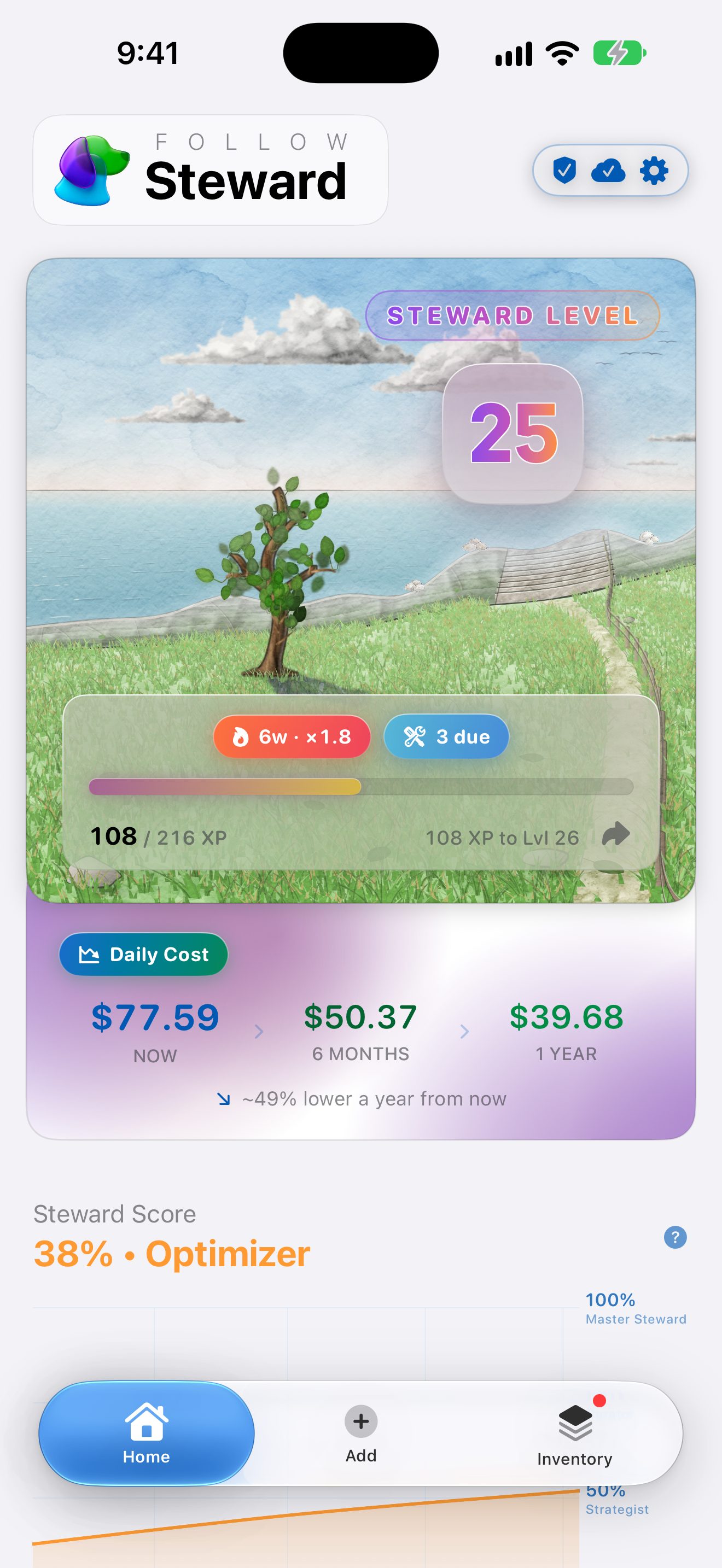
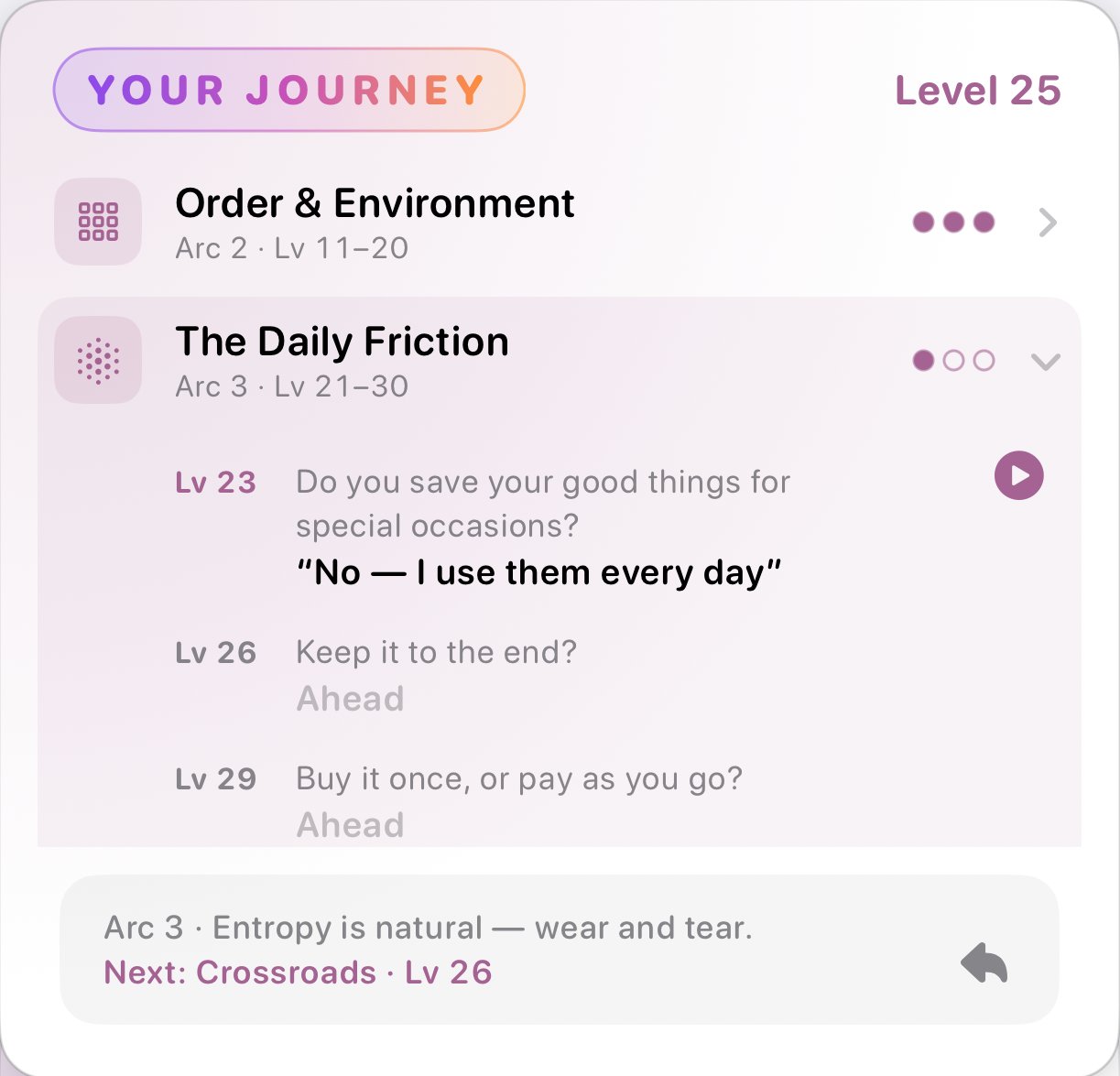
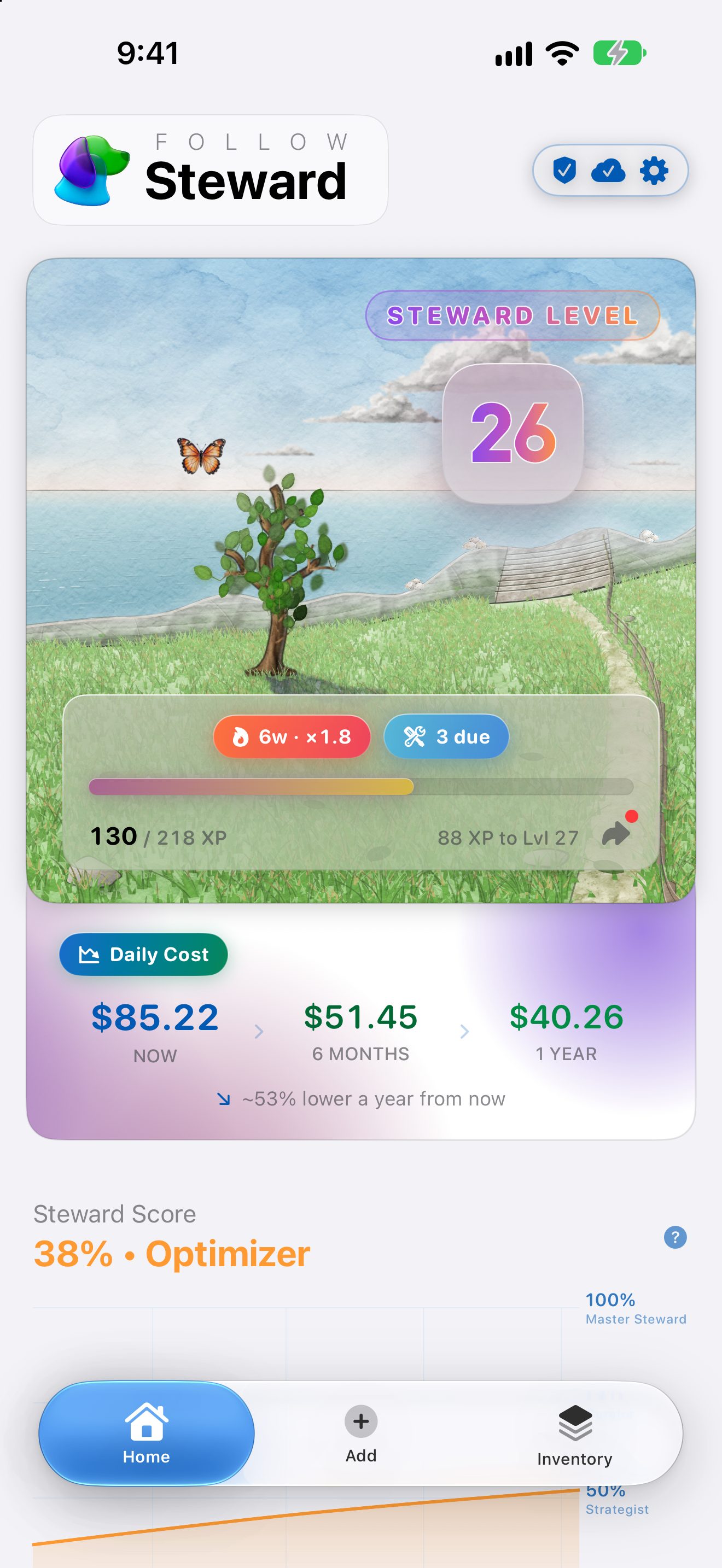
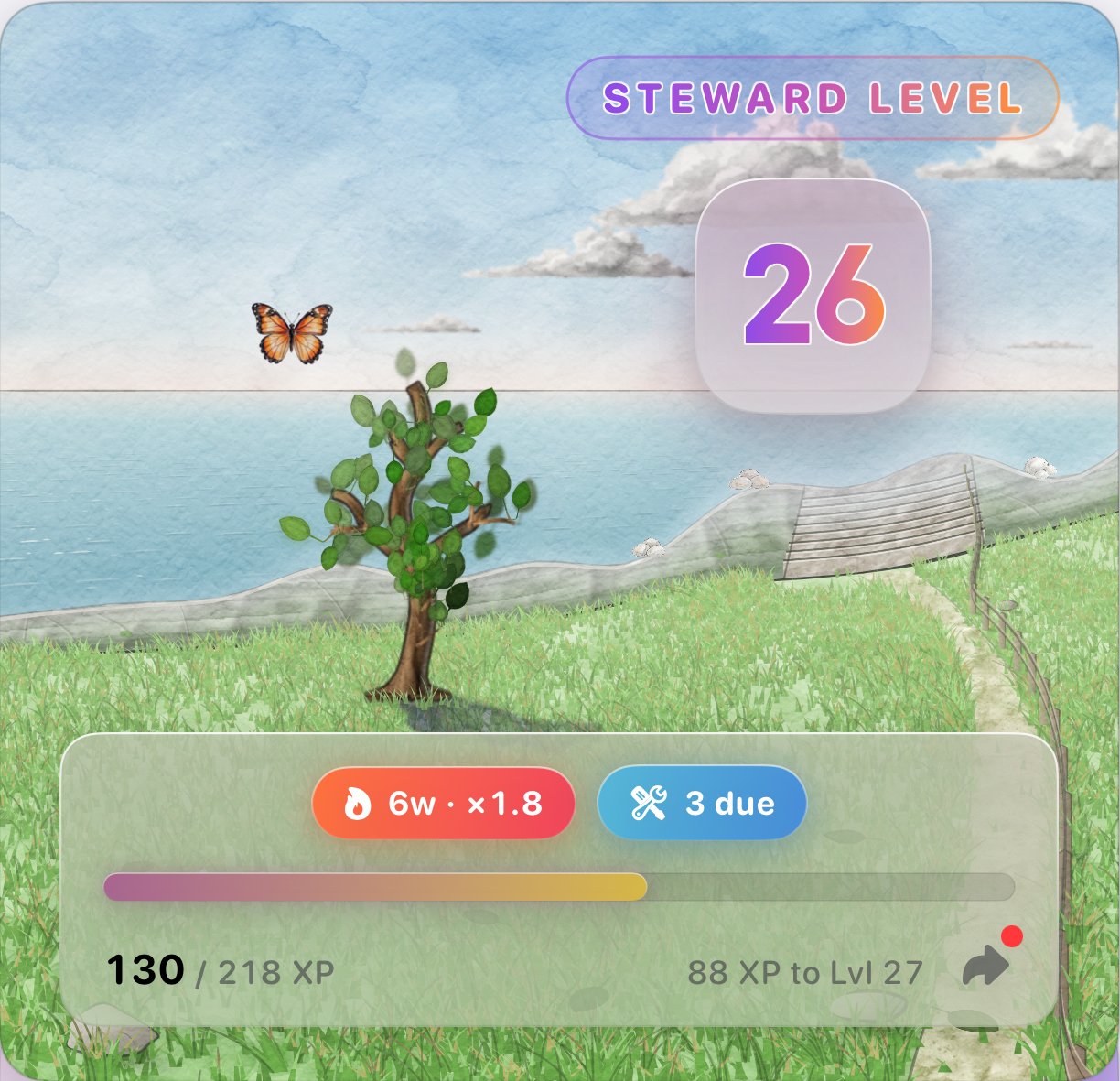
The Home screen leads with your Steward Level and a watercolor tree that grows a little every time you level up. Flip the card to see your journey so far: every crossroads you've reached and the answer you gave.
The Steward Score
Swipe for a closer look →
The Steward Score
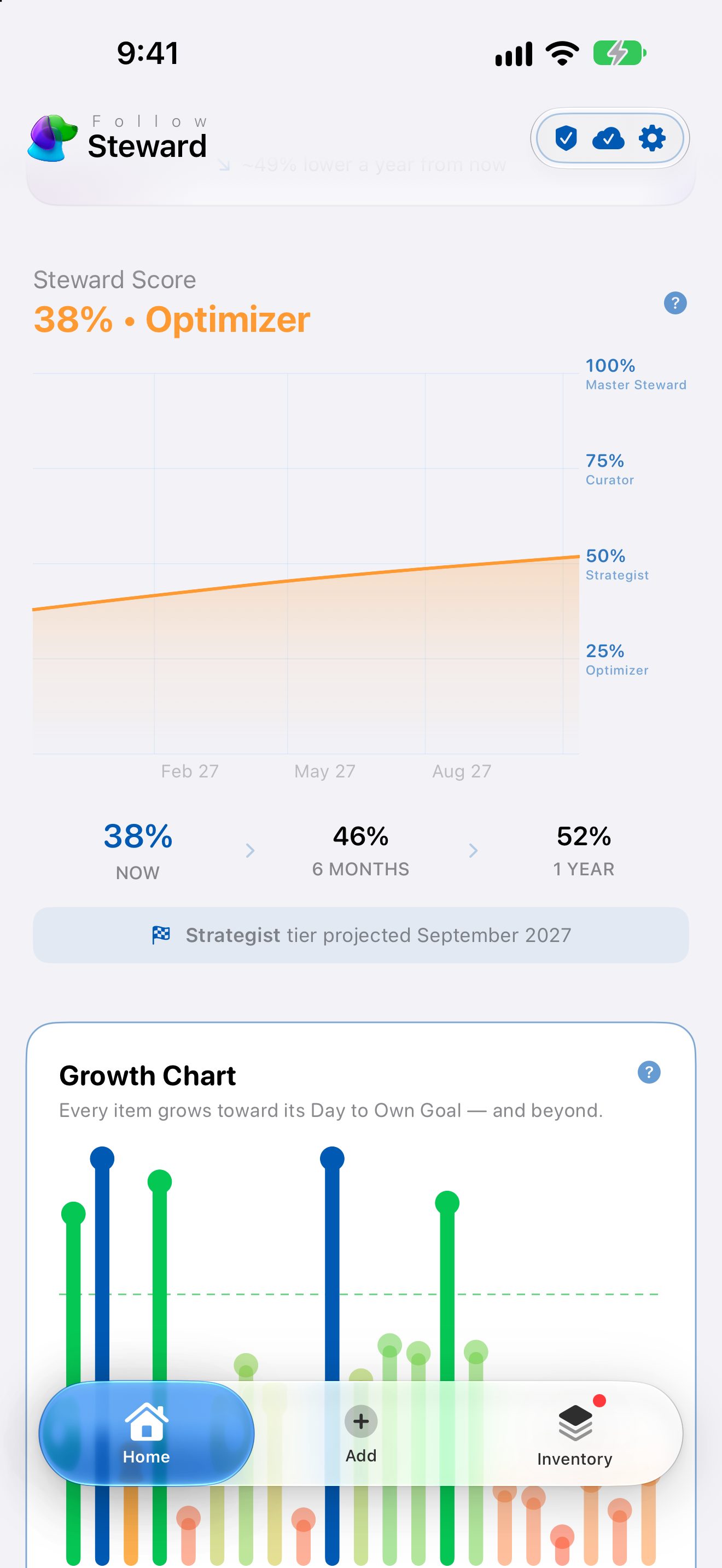
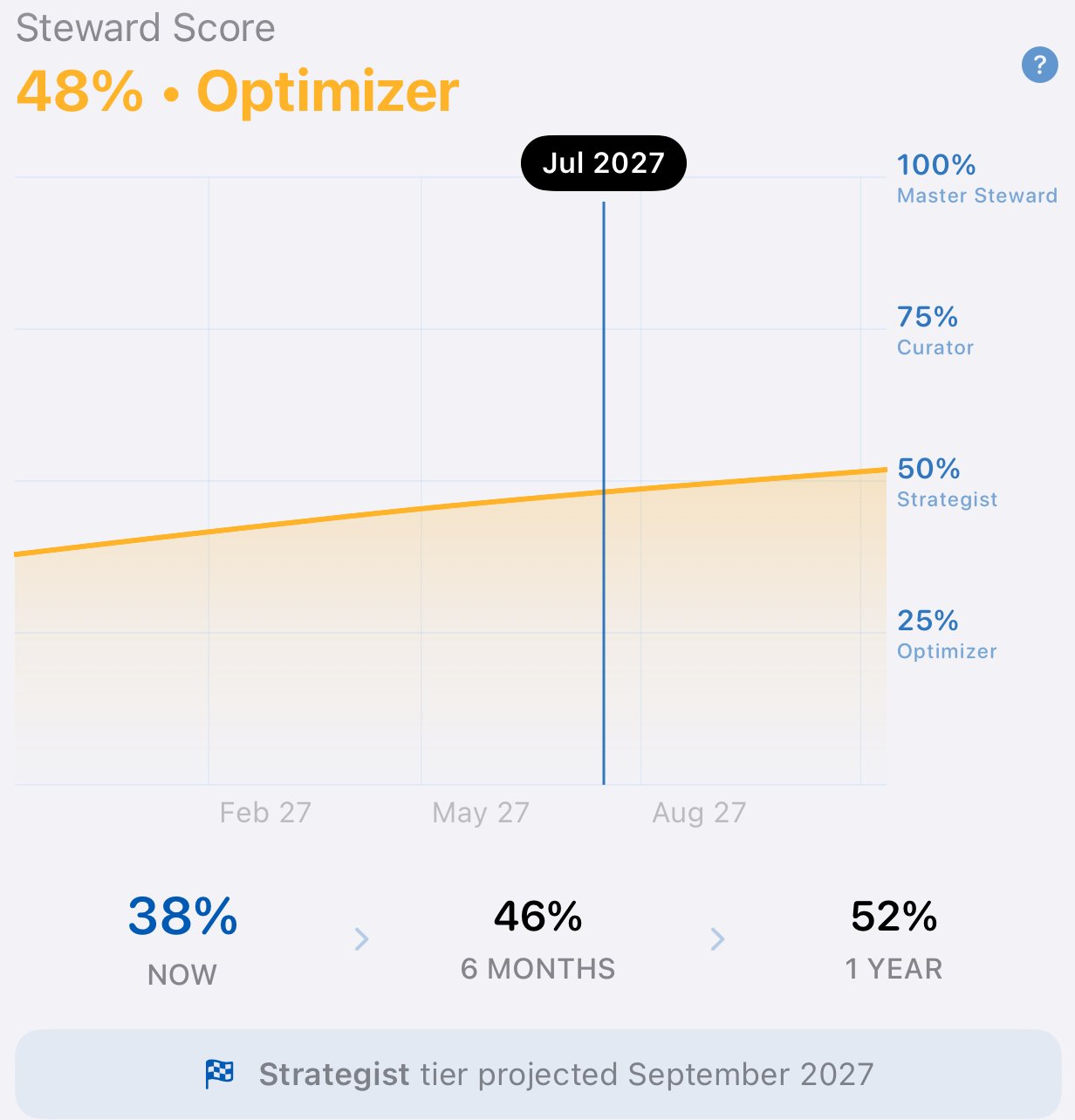
One number for how much of what you've spent has already paid for itself. Scrub the chart to see where your score is headed, and when you'll reach the next rank.
Growth and Tips
Swipe for a closer look →
Growth and Tips
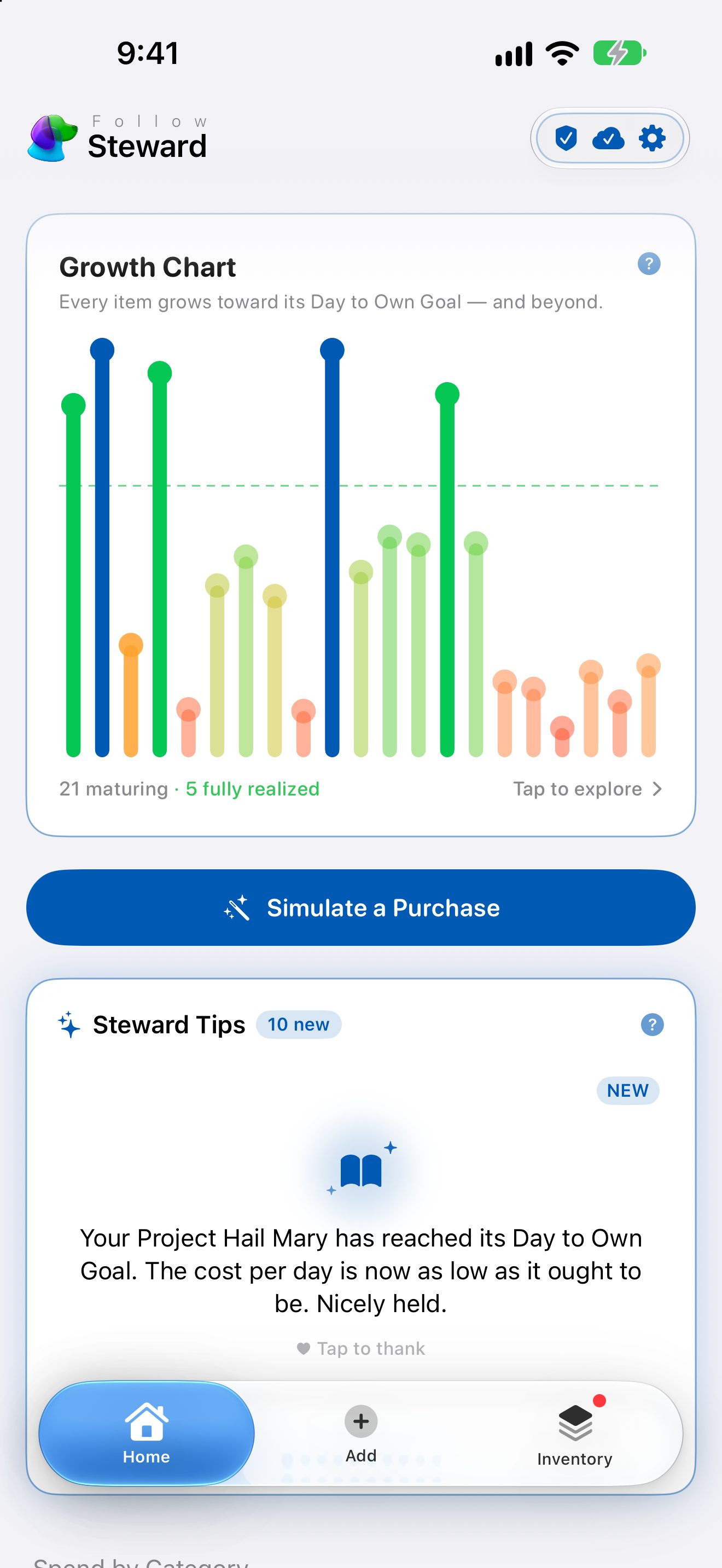
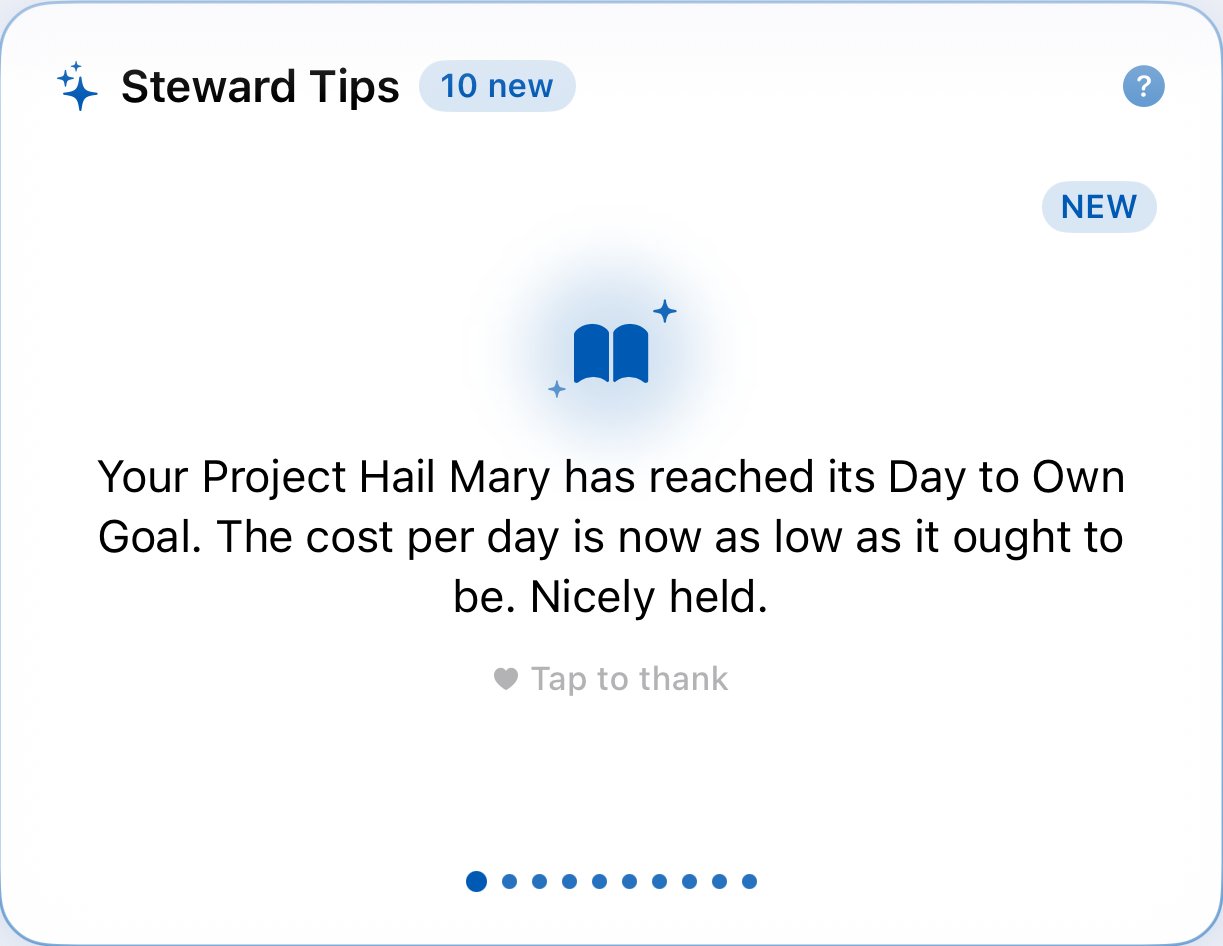
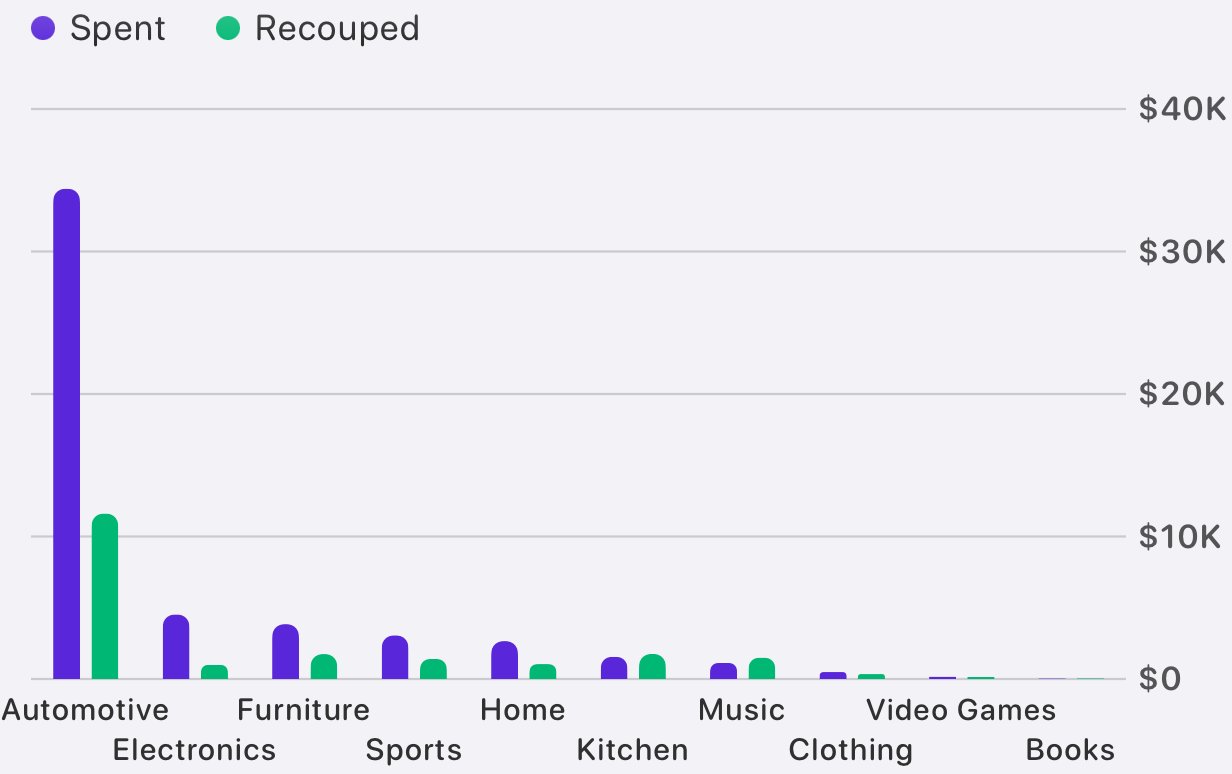
The Growth Chart races every item toward its Day to Own Goal. Steward Tips point out what just paid off and what's about to, and Spend by Category shows what you've spent against what you've already recouped.
Care, Handled
Swipe for a closer look →
Care, Handled
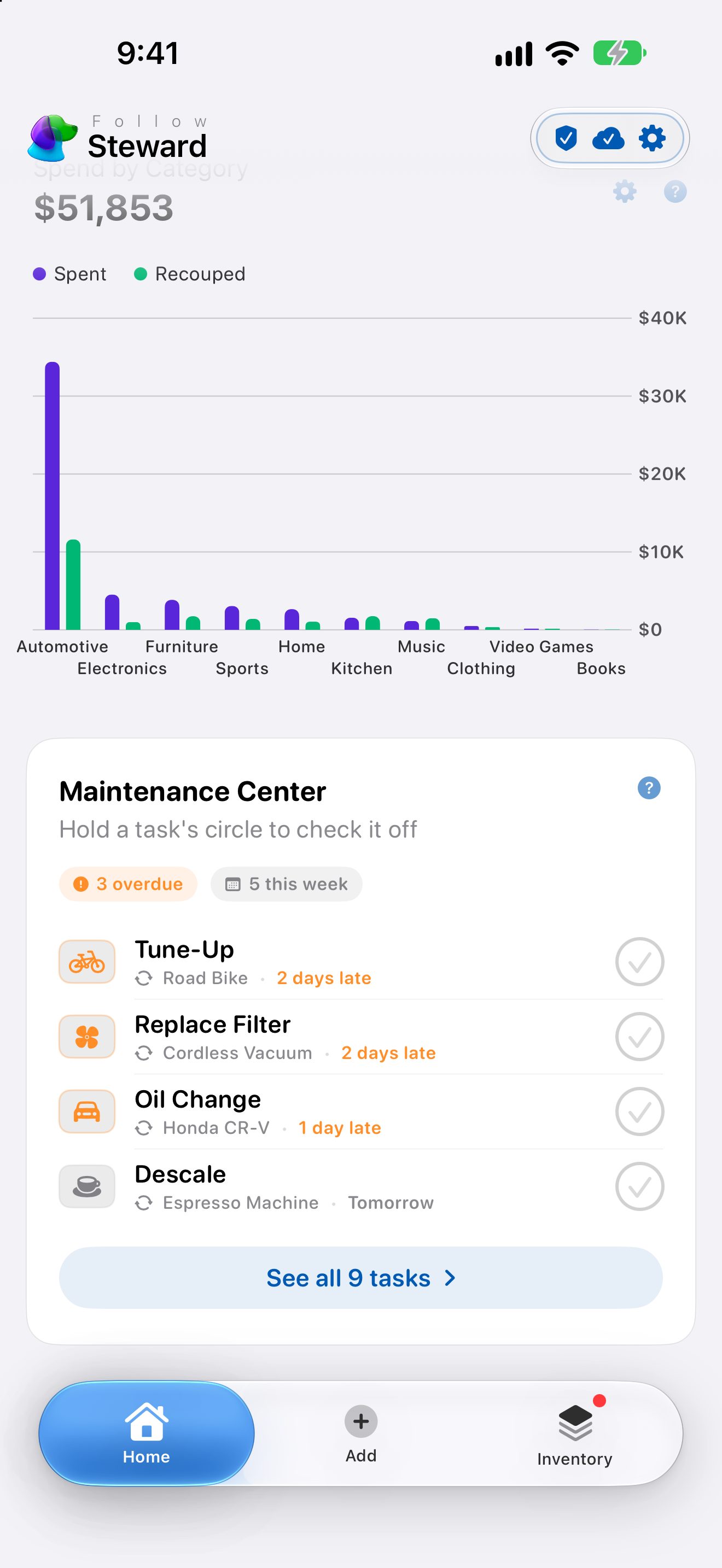
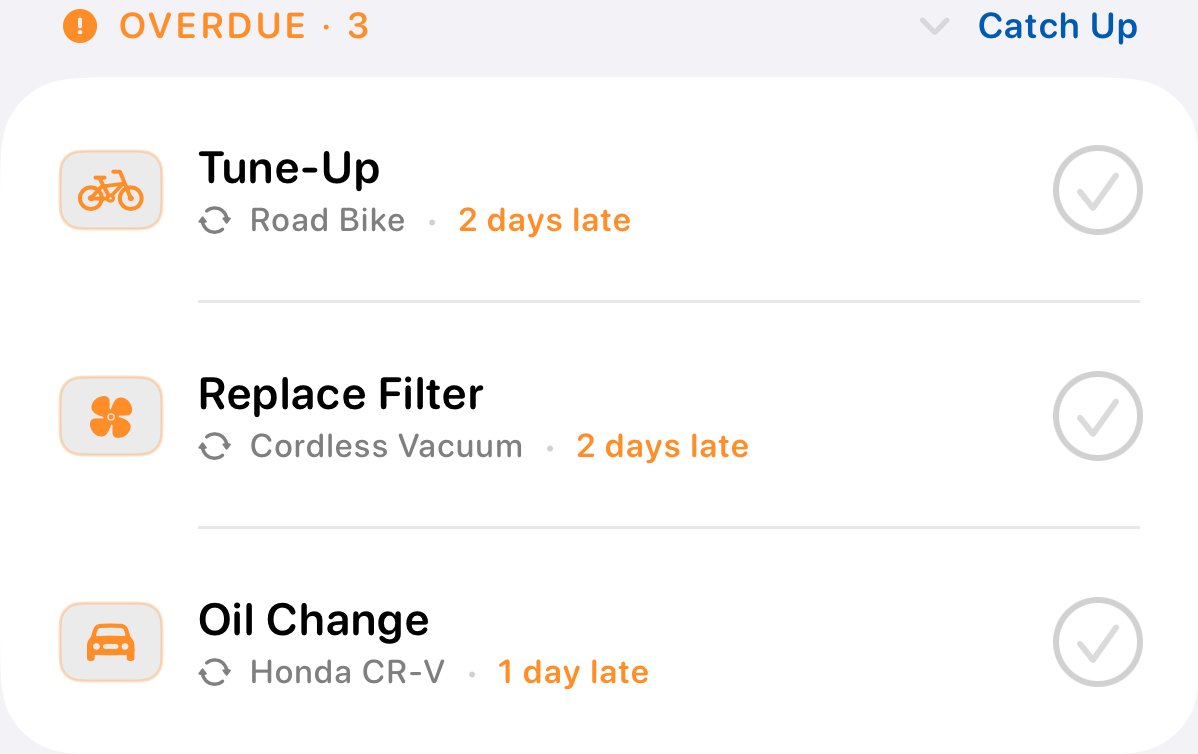
The Maintenance Center gathers every oil change, filter, and restring in one place, overdue first. Hold a task's circle to check it off, or snooze it when life gets in the way.
Simulate a Purchase
Swipe for a closer look →
Simulate a Purchase
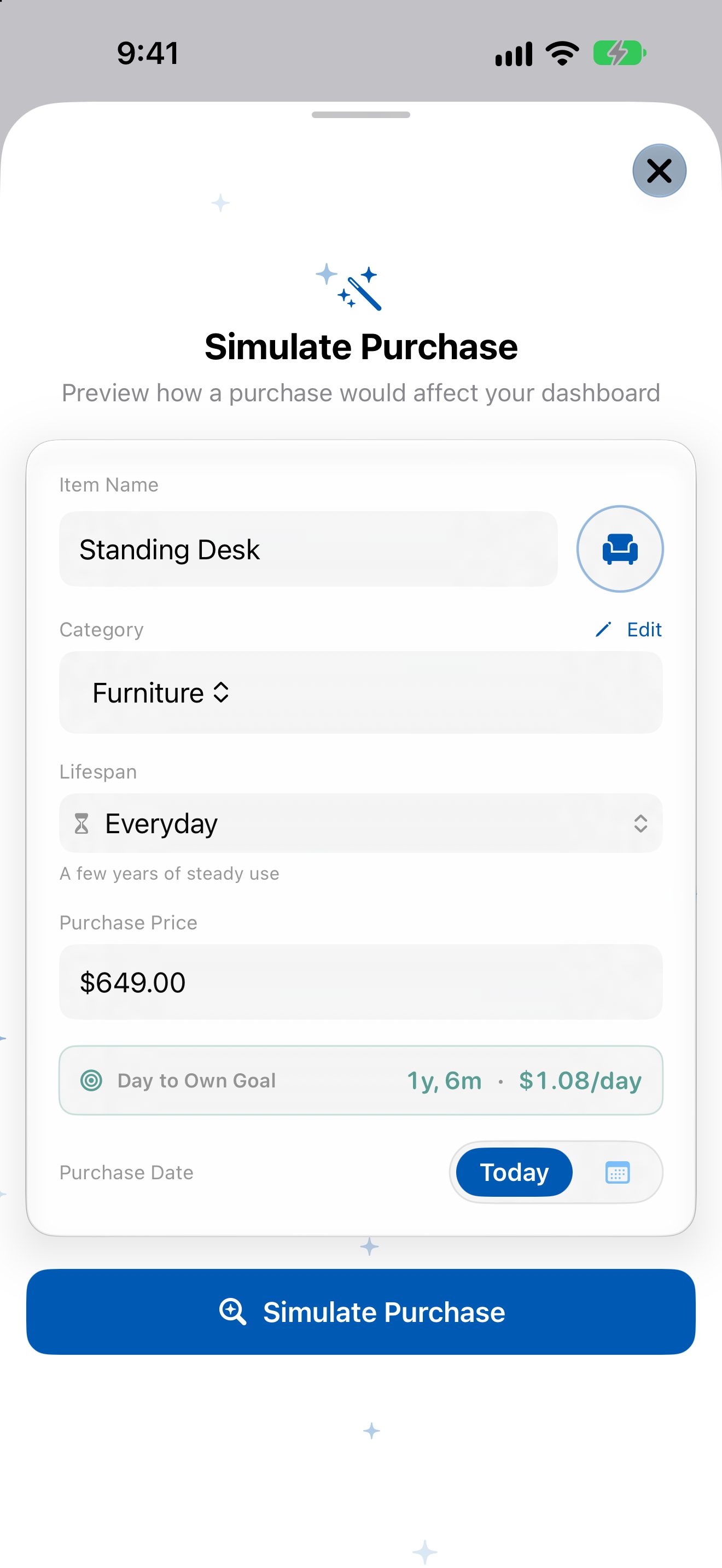
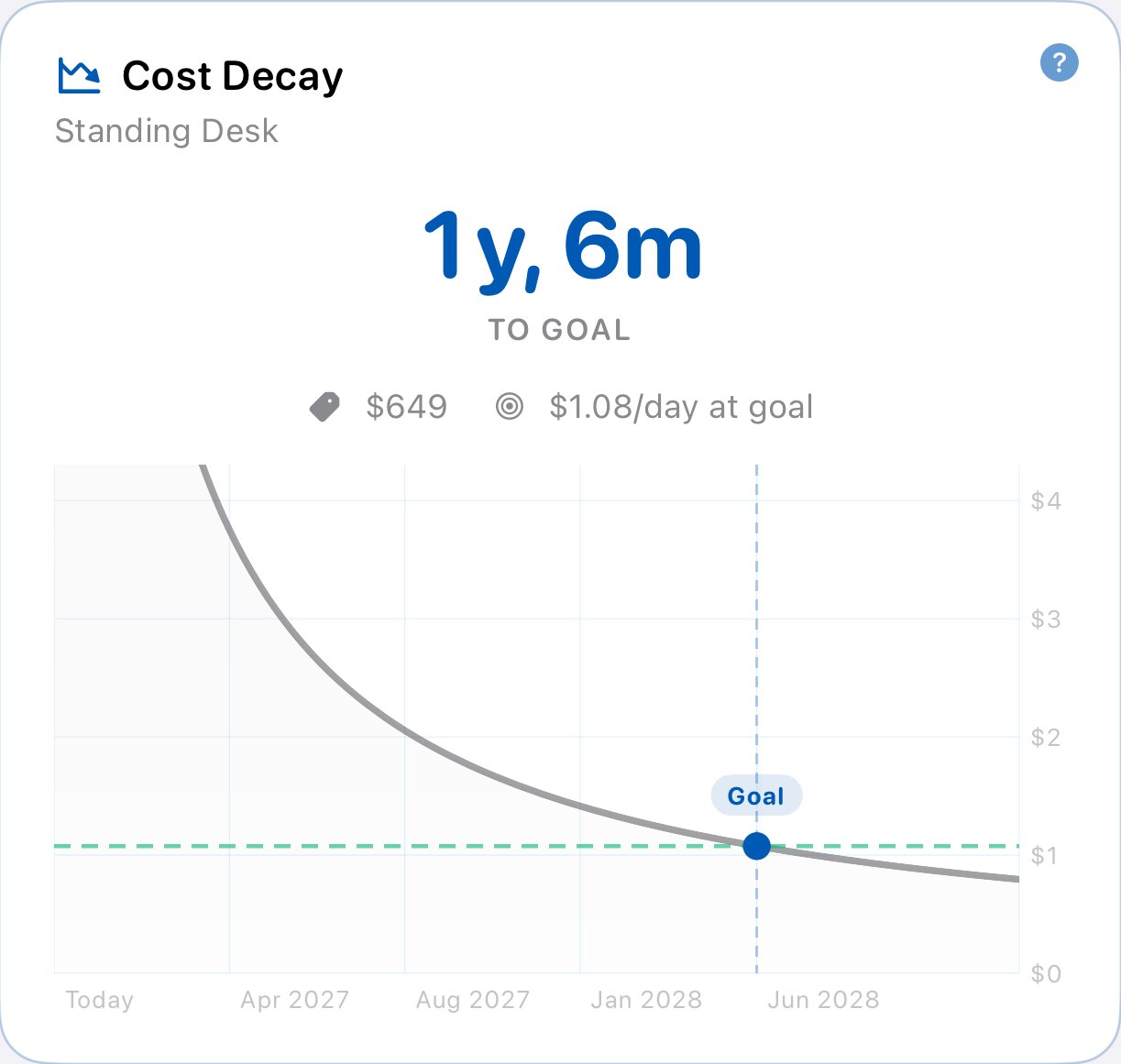
Thinking about buying something? Try it first. See its Day to Own Goal, how its cost per day falls, and what it would do to your score, before you spend a cent.
A Quiet Space
Swipe for a closer look →

A Quiet Space
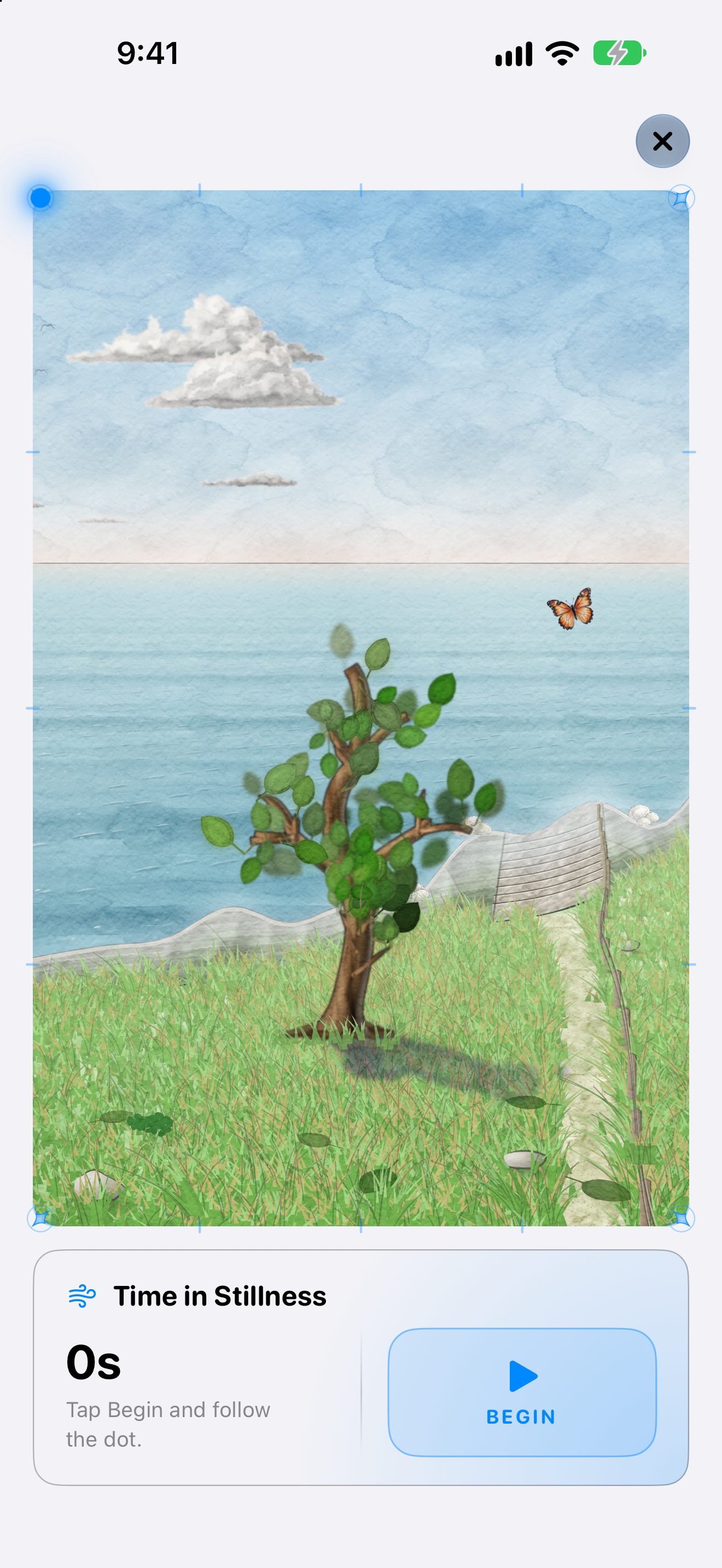
Tap the tree to step into a quiet space for a minute of box breathing. No numbers, no to-dos, just the scene and your breath.
Add | log it and move on
Log It in One Line
Swipe for a closer look →
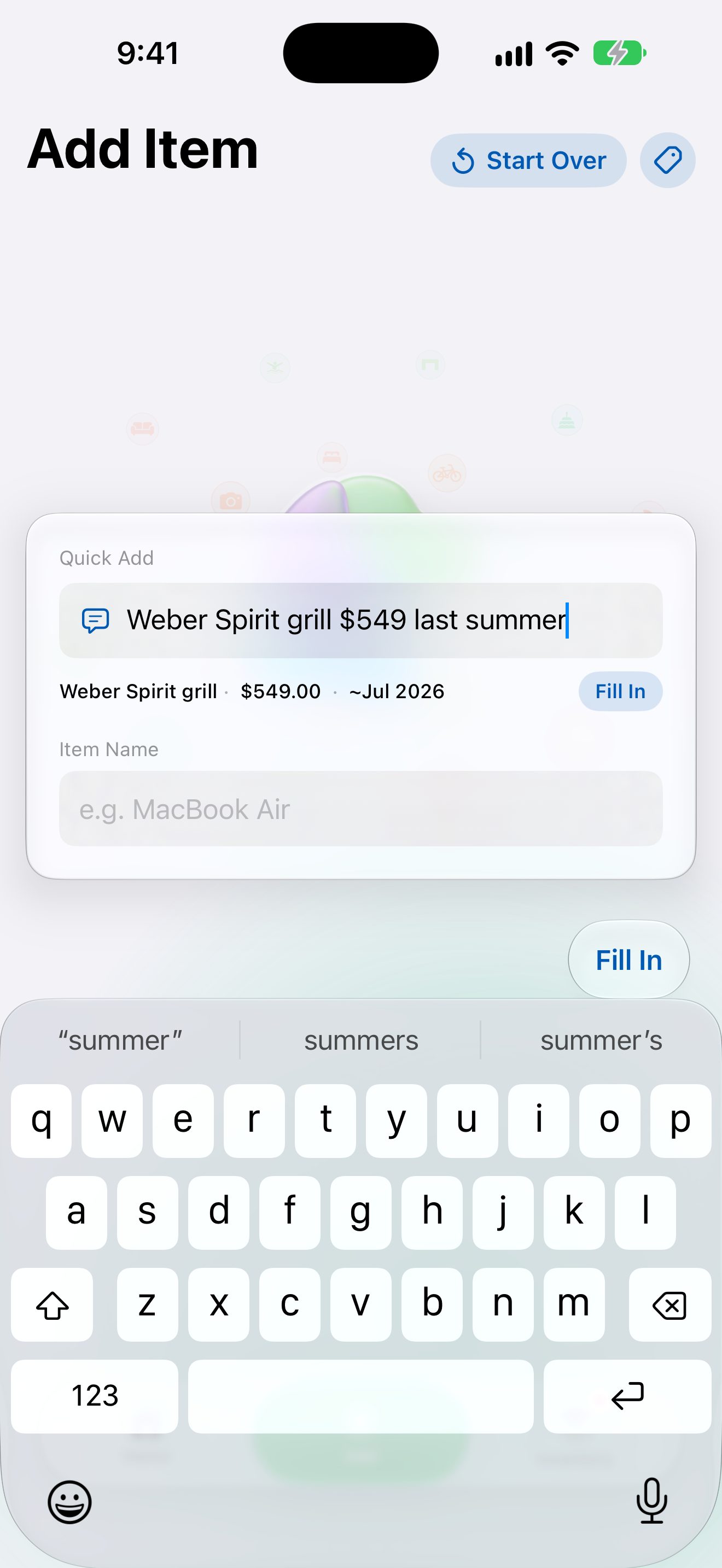
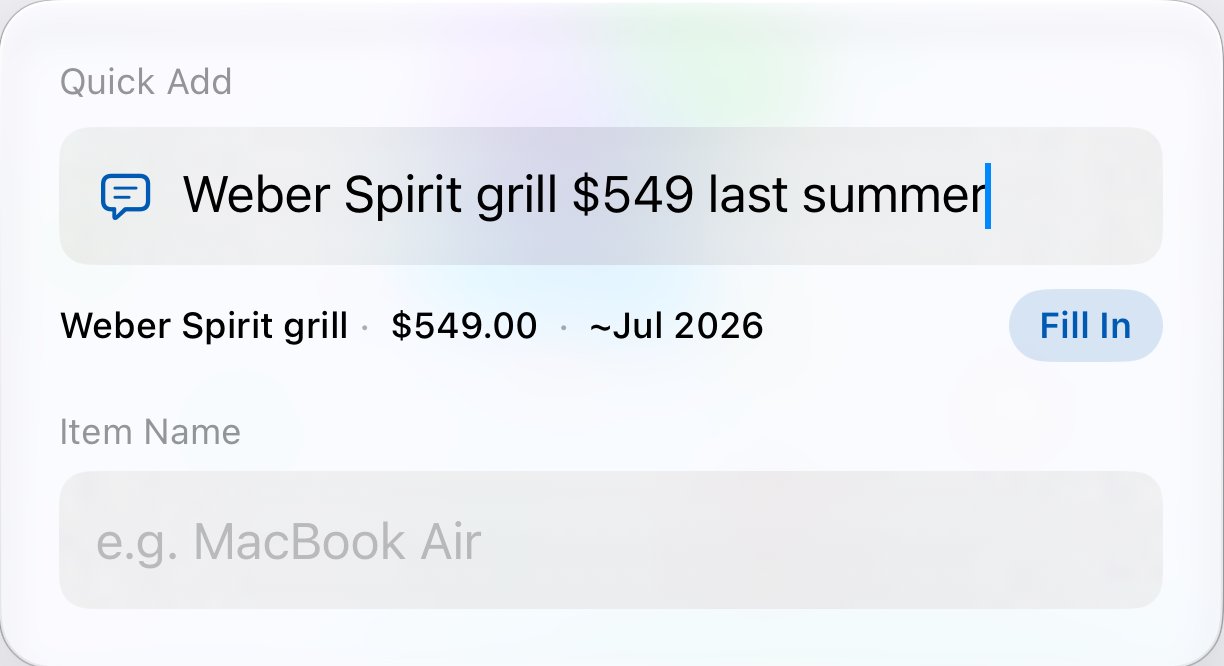
Log It in One Line
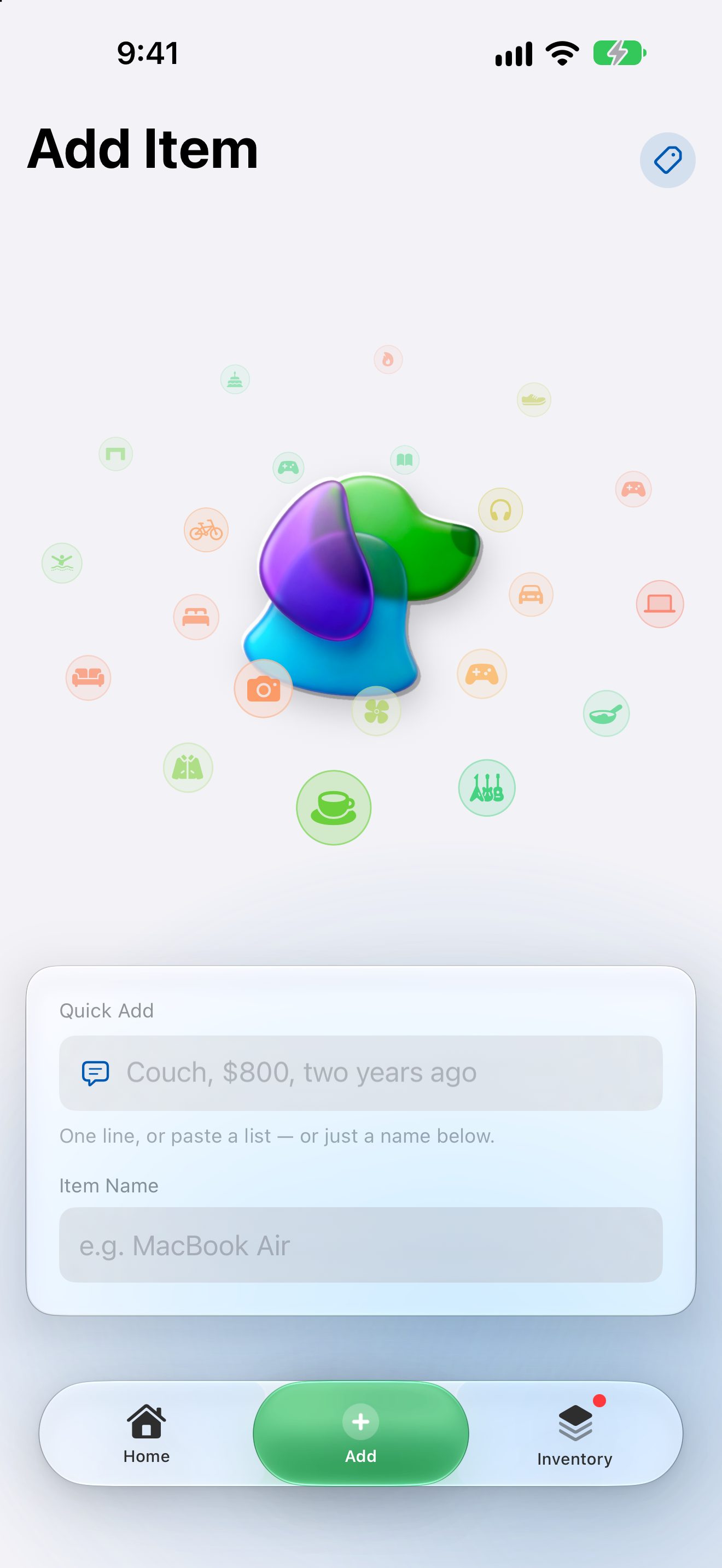
Type the way you'd say it: “Couch, $800, two years ago.” Quick Add reads the name, price, and date, or paste a whole list and save them all at once. You can also ask Siri to log an item.
Smart Defaults
Swipe for a closer look →
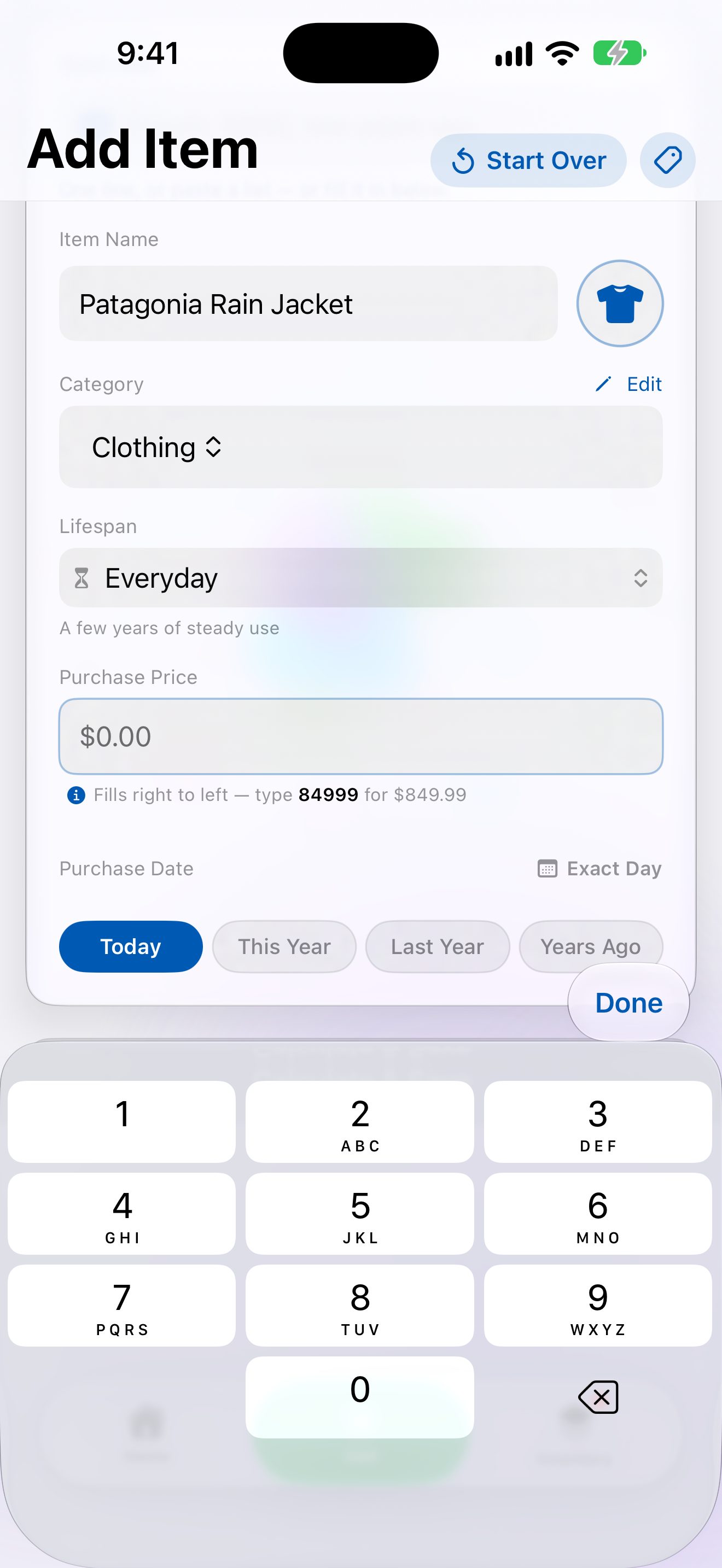
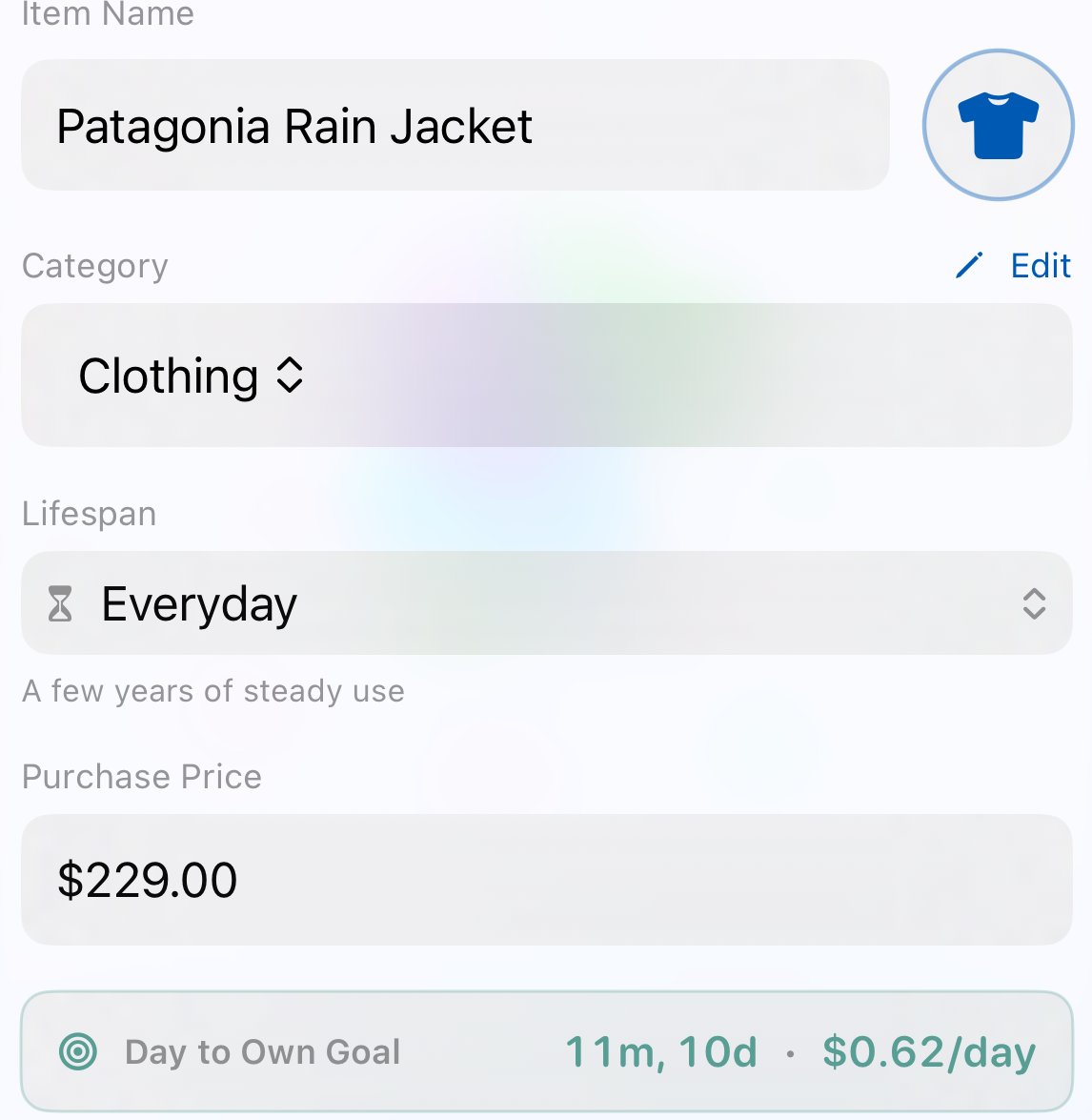
Smart Defaults
Type a name and Follow Steward picks the icon, the category, and how long it should last, from a jacket's few years to an heirloom table's lifetime. Change anything you like.
Close Is Close Enough
Swipe for a closer look →
Close Is Close Enough
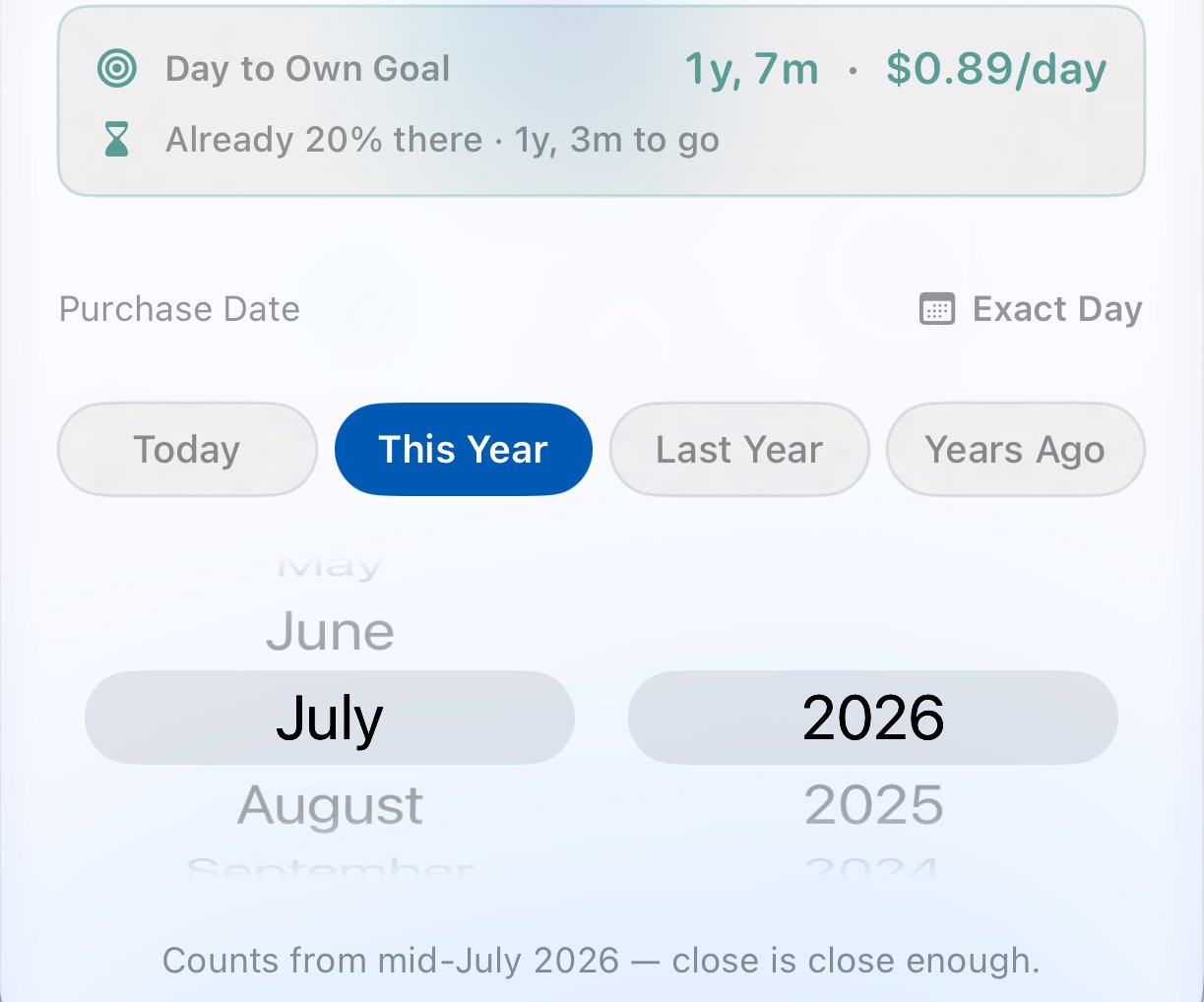
Owned it for years? Pick This Year, Last Year, or Years Ago and a month, and the math counts from there. Need the exact day? It's one tap away.
The Payoff
Swipe for a closer look →
The Payoff
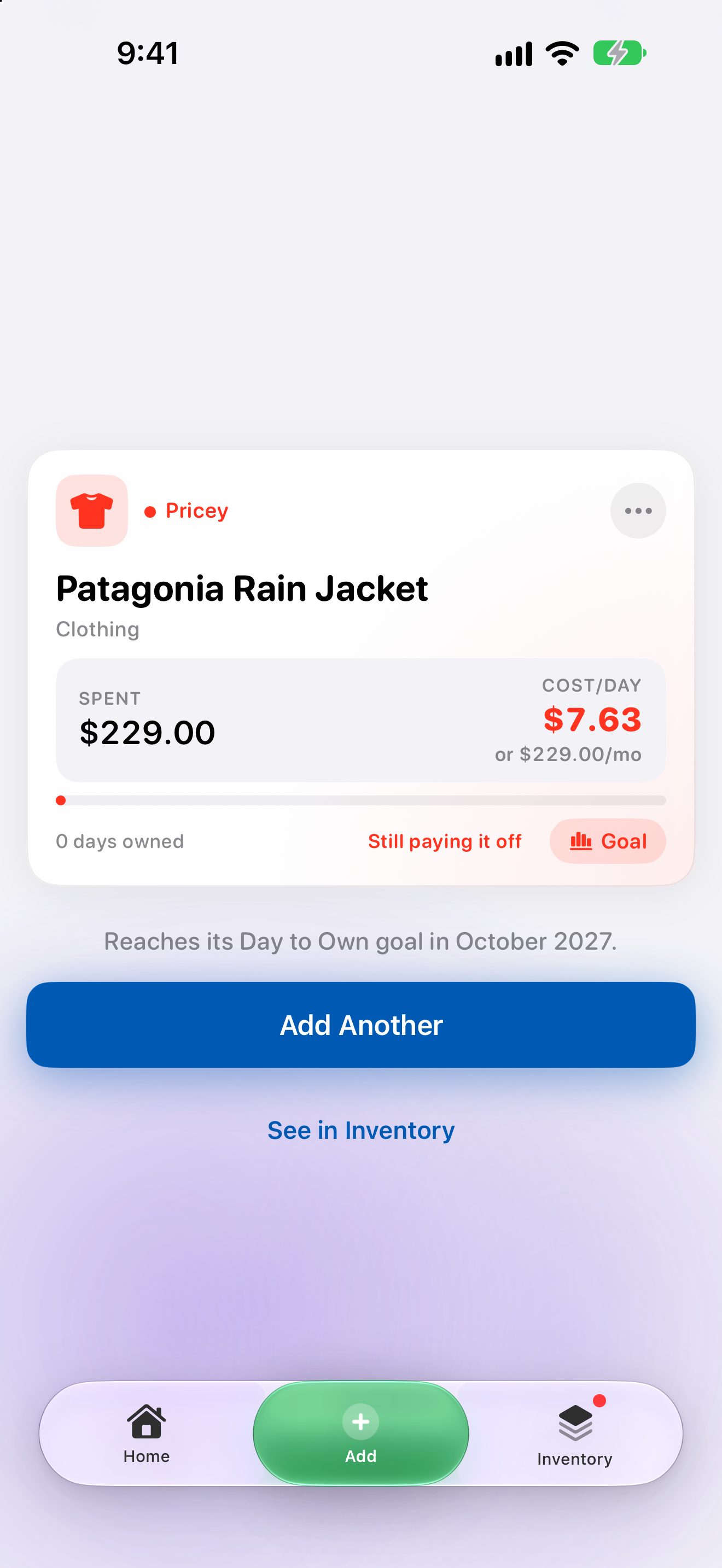
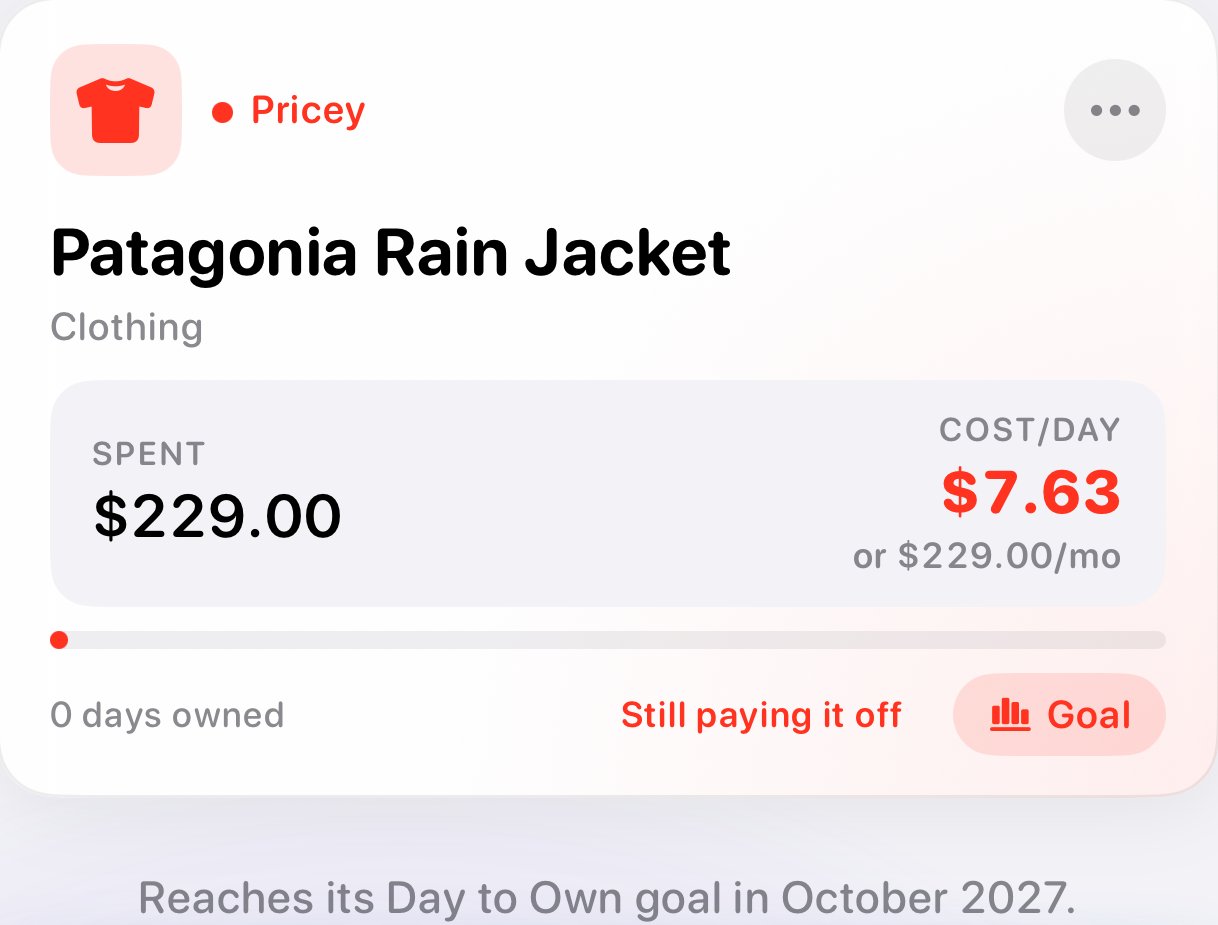
Save, and your new item's card builds itself in front of you: what it costs per day today, and the day it reaches its goal.
Inventory | everything you own
The Deck
Swipe for a closer look →
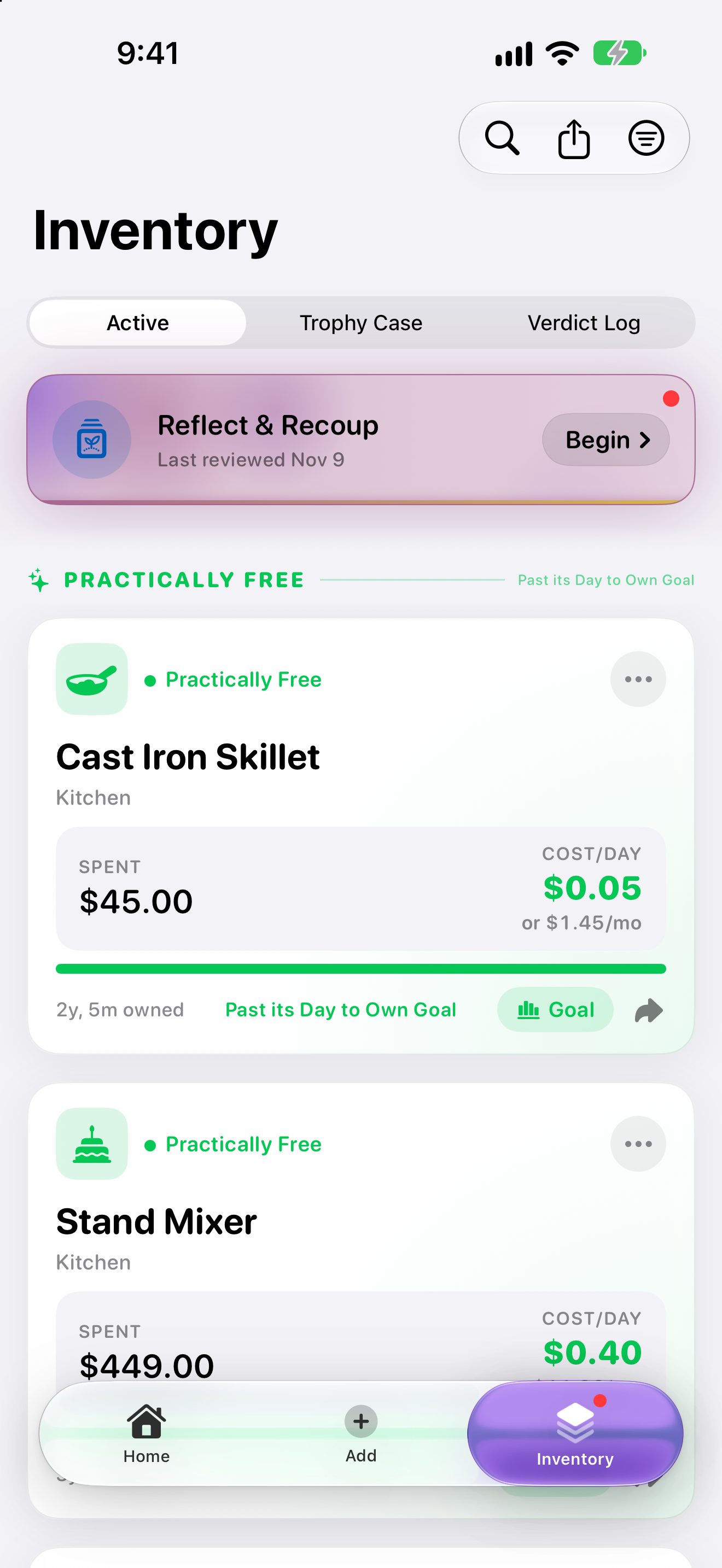
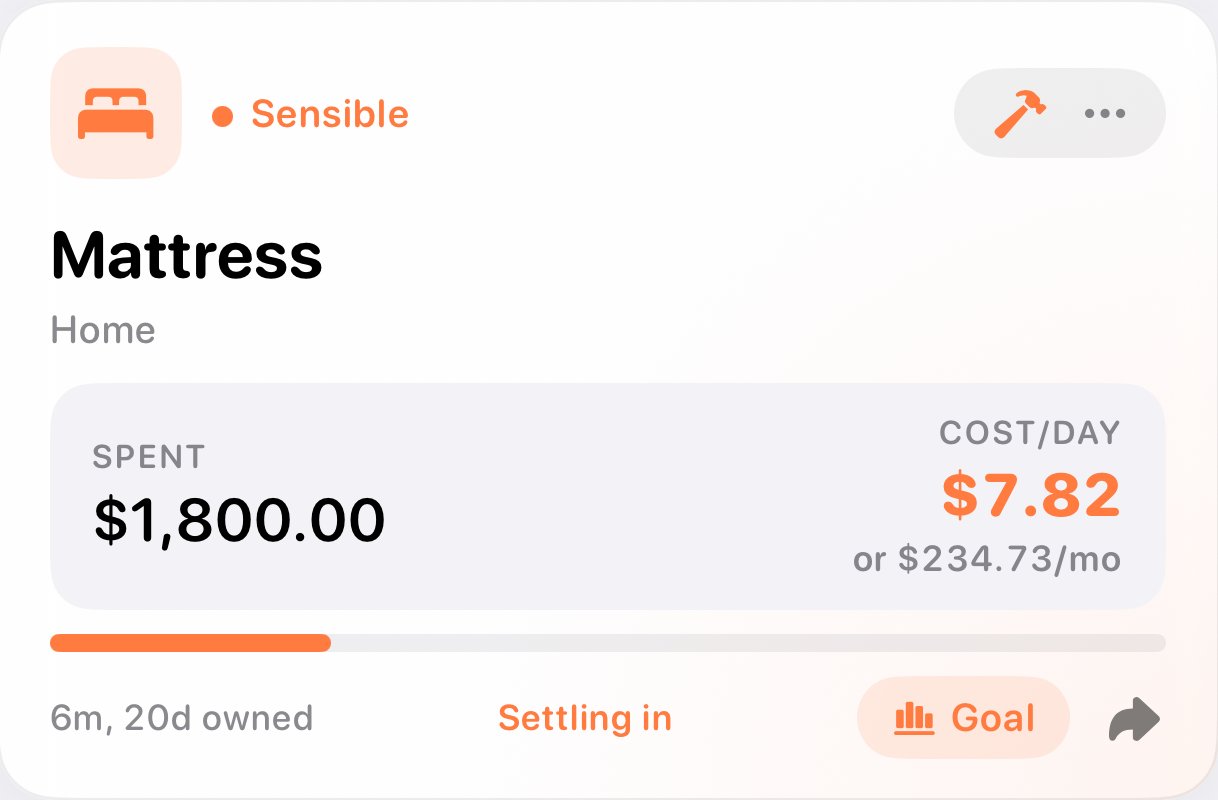
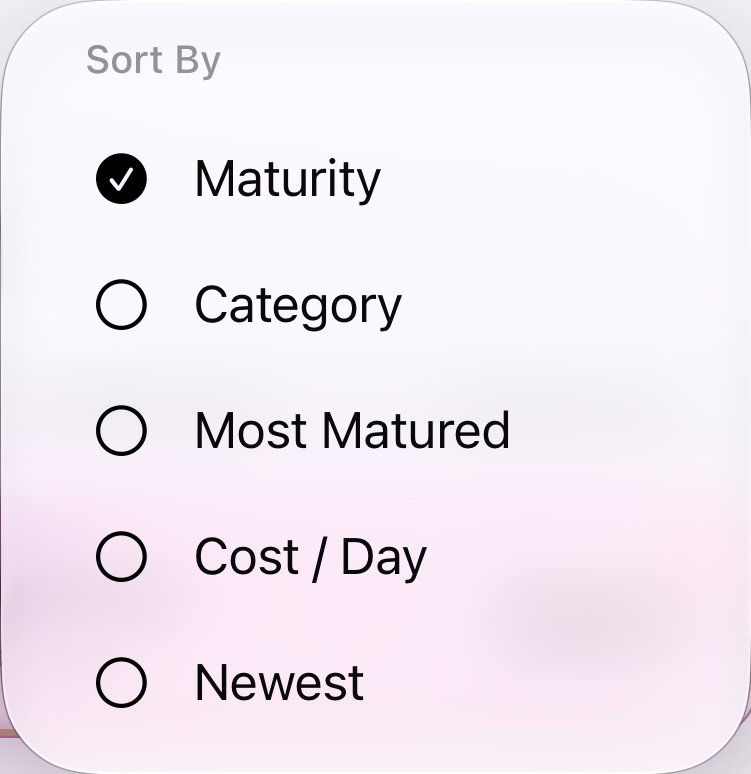
The Deck
Everything you own as a deck of cards, grouped from Practically Free down to Pricey. Each card shows what you spent, what it costs per day now, and how close it is to its goal.
Stats for Nerds
Swipe for a closer look →
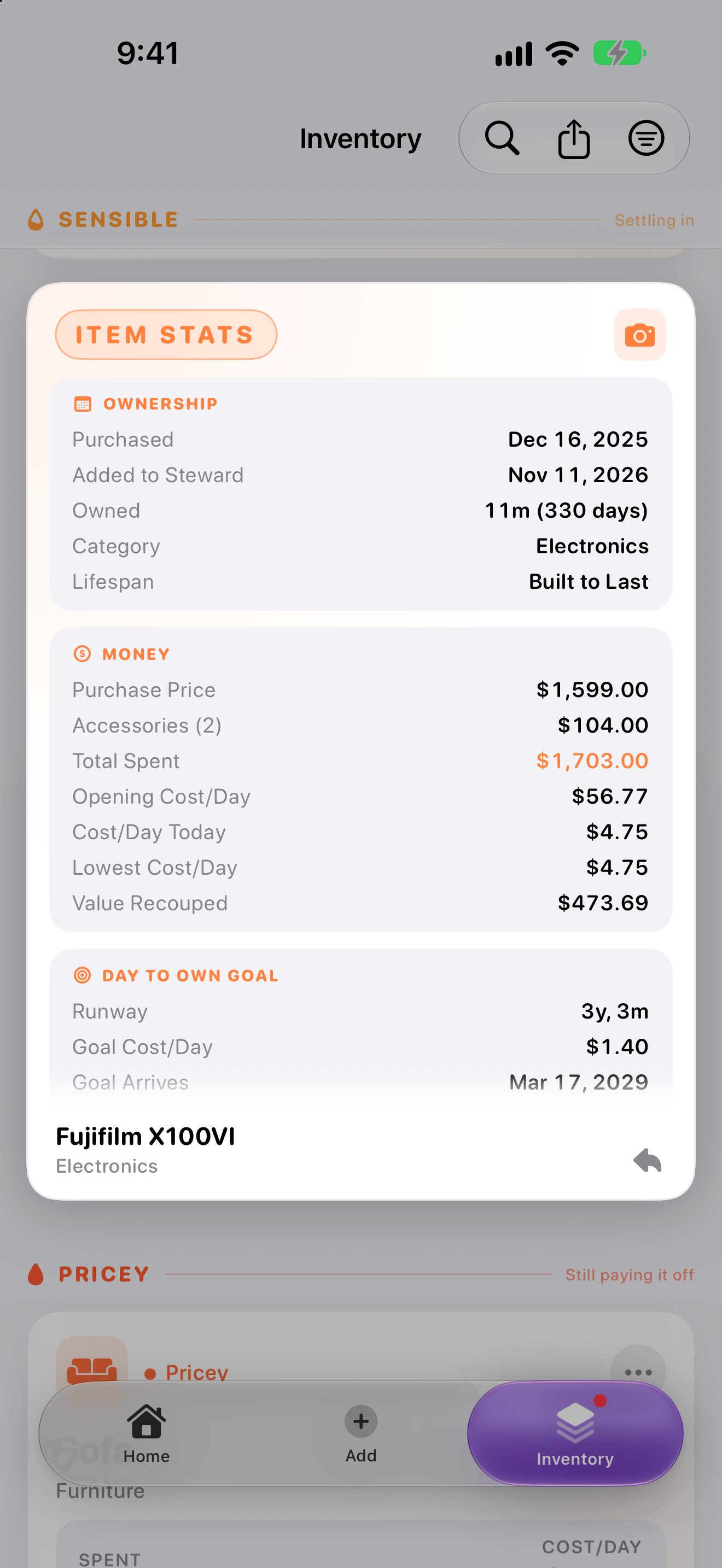
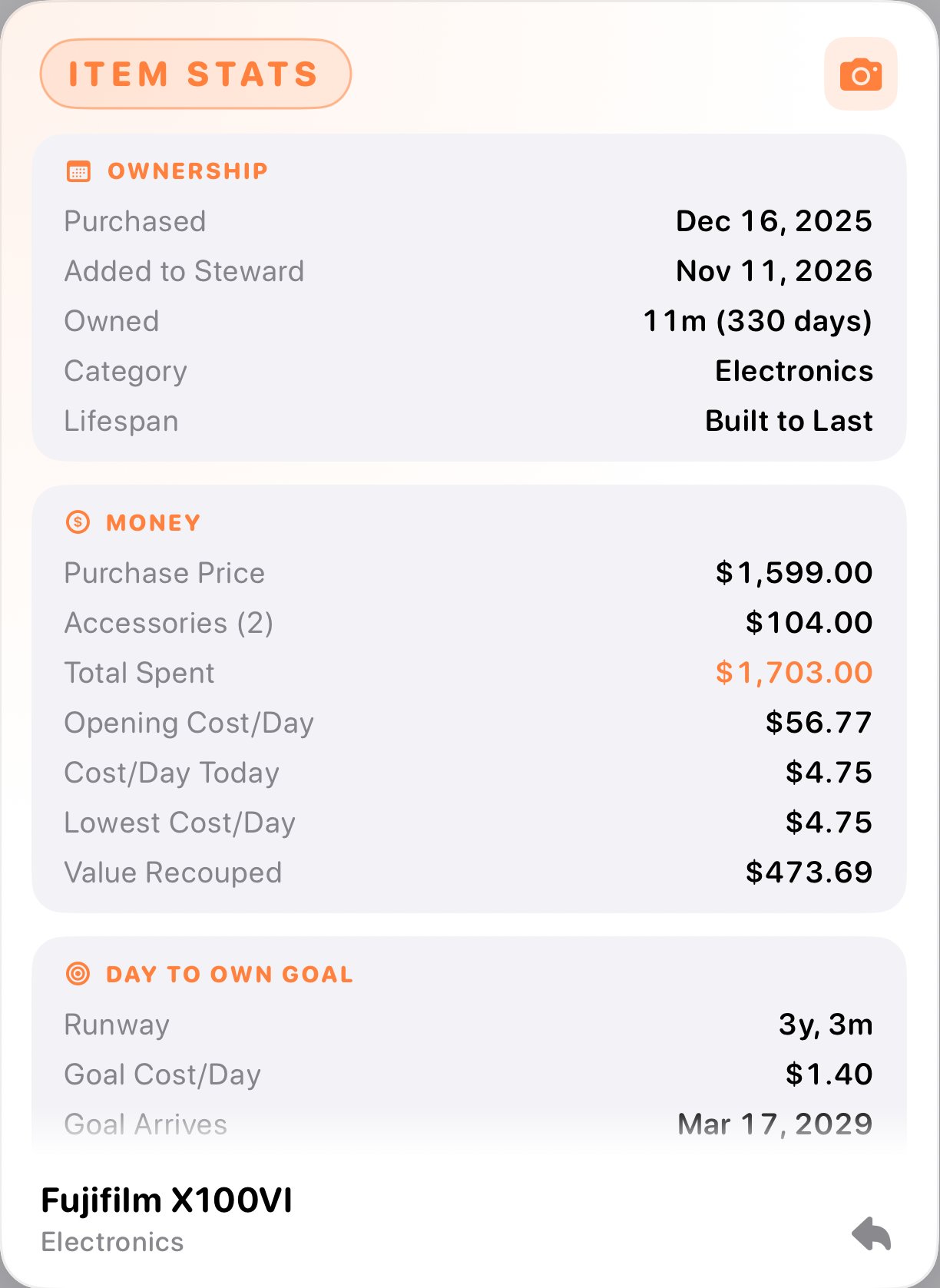
Stats for Nerds
Flip any card for the full story: ownership, money, goal progress, care history, and every time you've finished it.
Accessories and Upkeep
Swipe for a closer look →
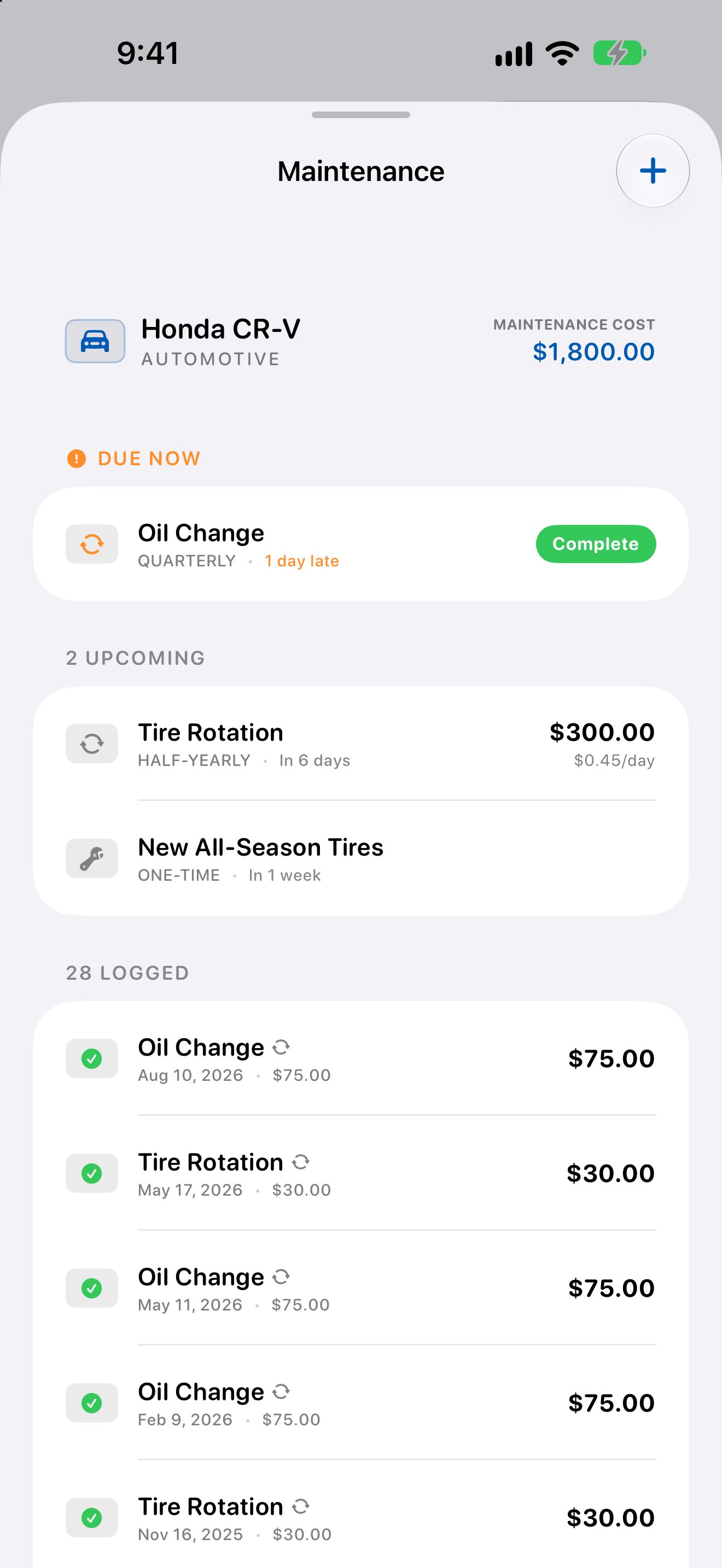
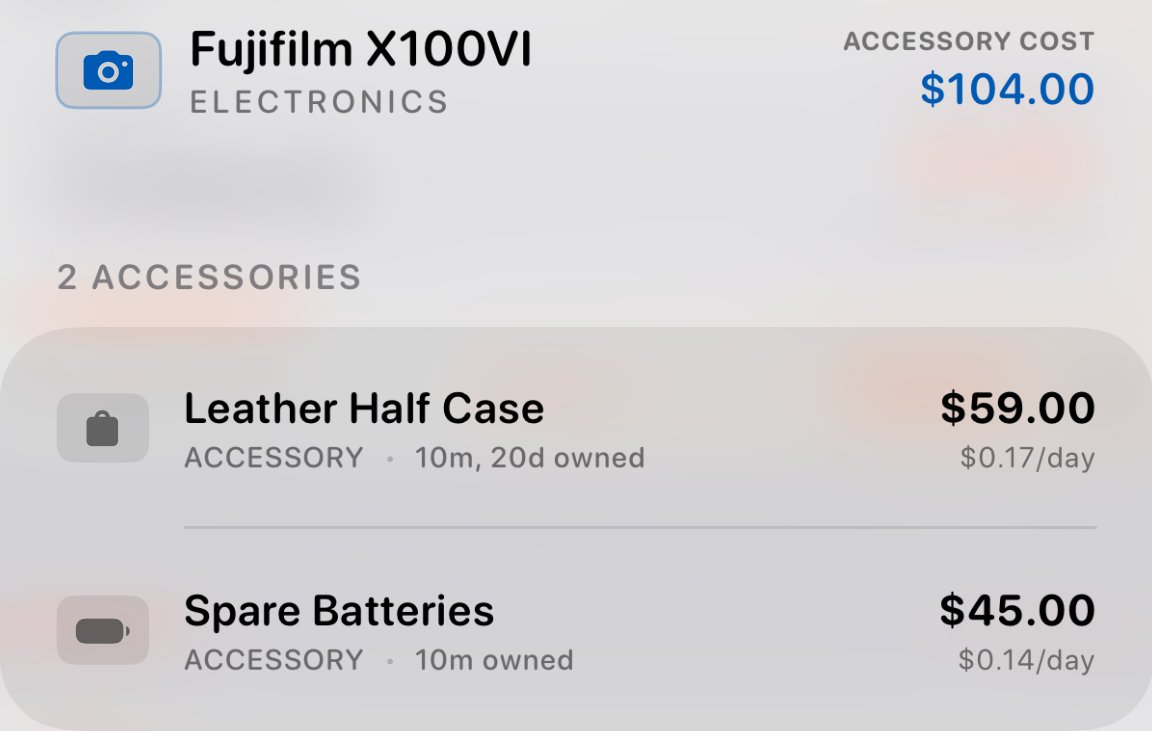
Accessories and Upkeep
Add the case, the lenses, the oil changes. Accessories and maintenance roll into the item's true cost, and reminders tell you when care is due.
Short Runs
Swipe for a closer look →
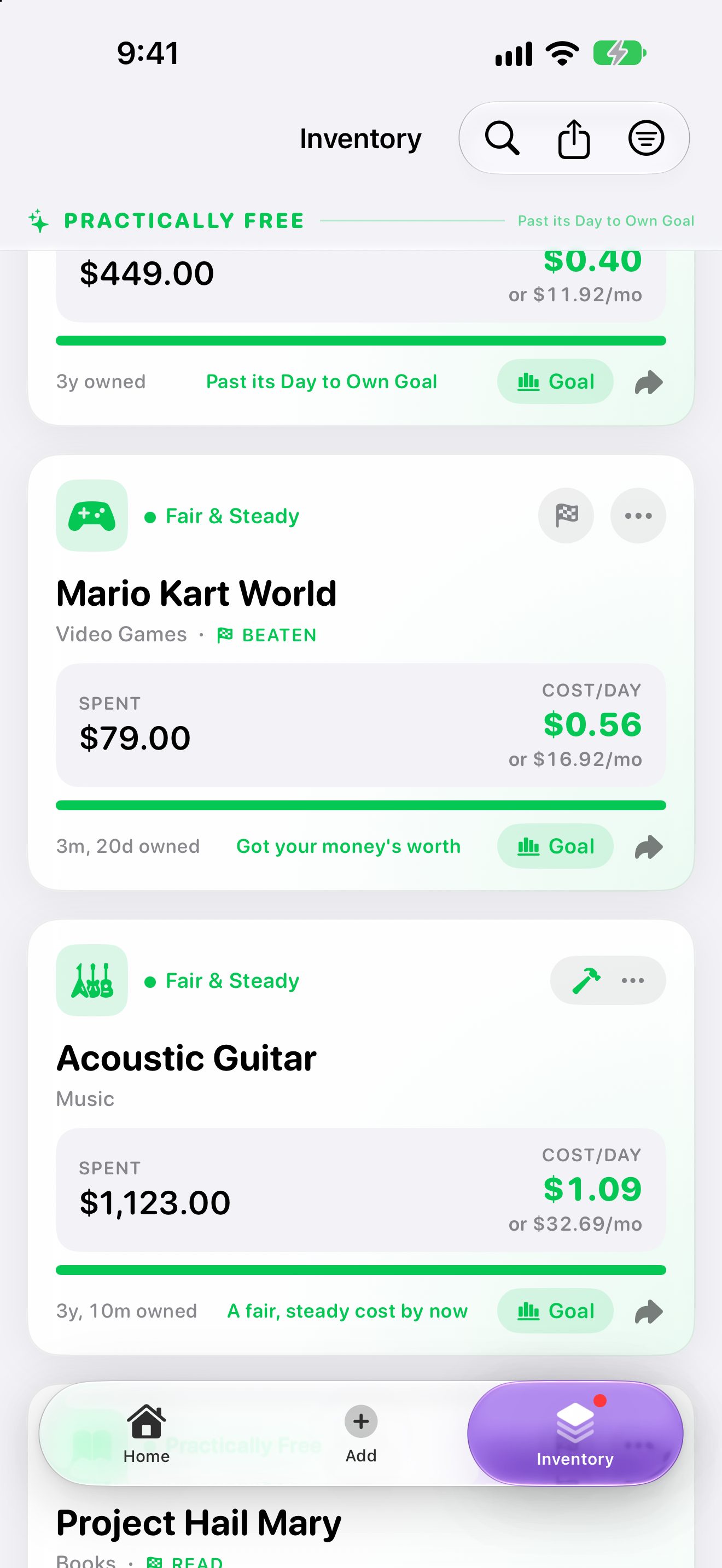
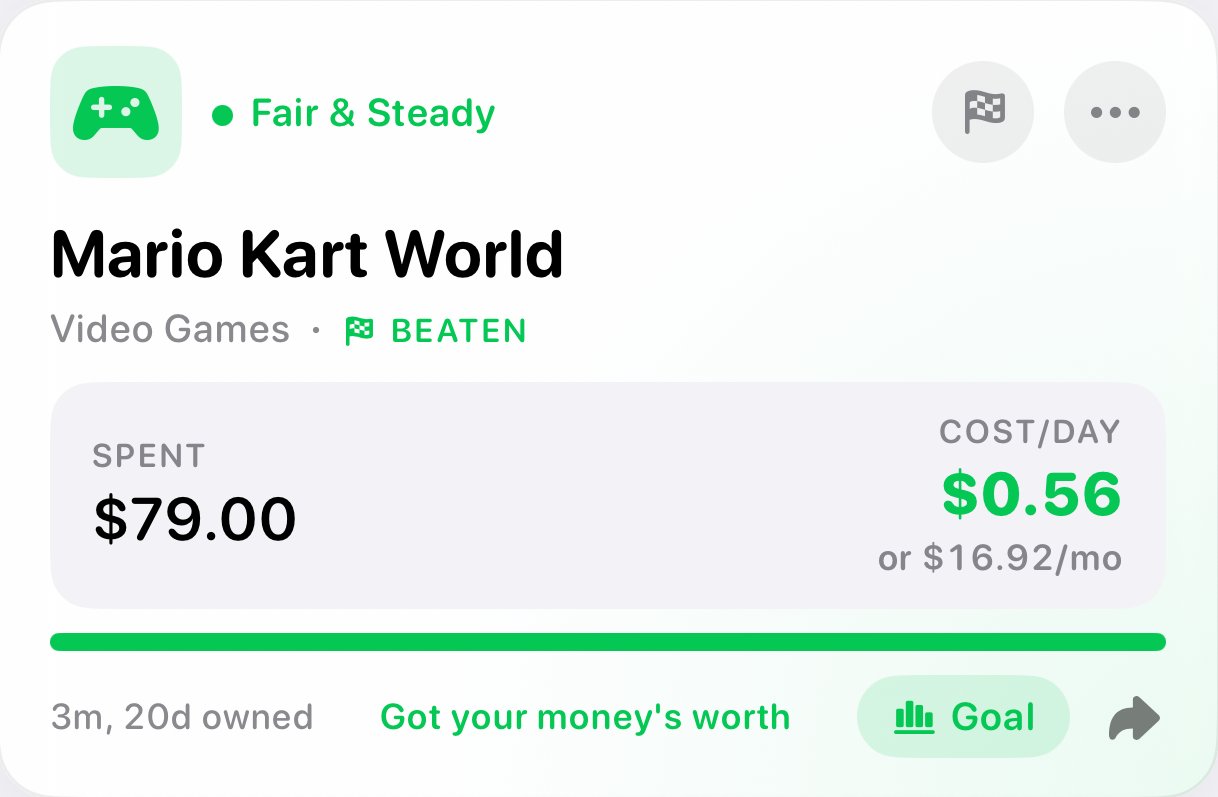
Short Runs
Games, books, and things you use up get a shorter runway. Mark one finished when you're done, and play it again if you like.
Trophies and Verdicts
Swipe for a closer look →
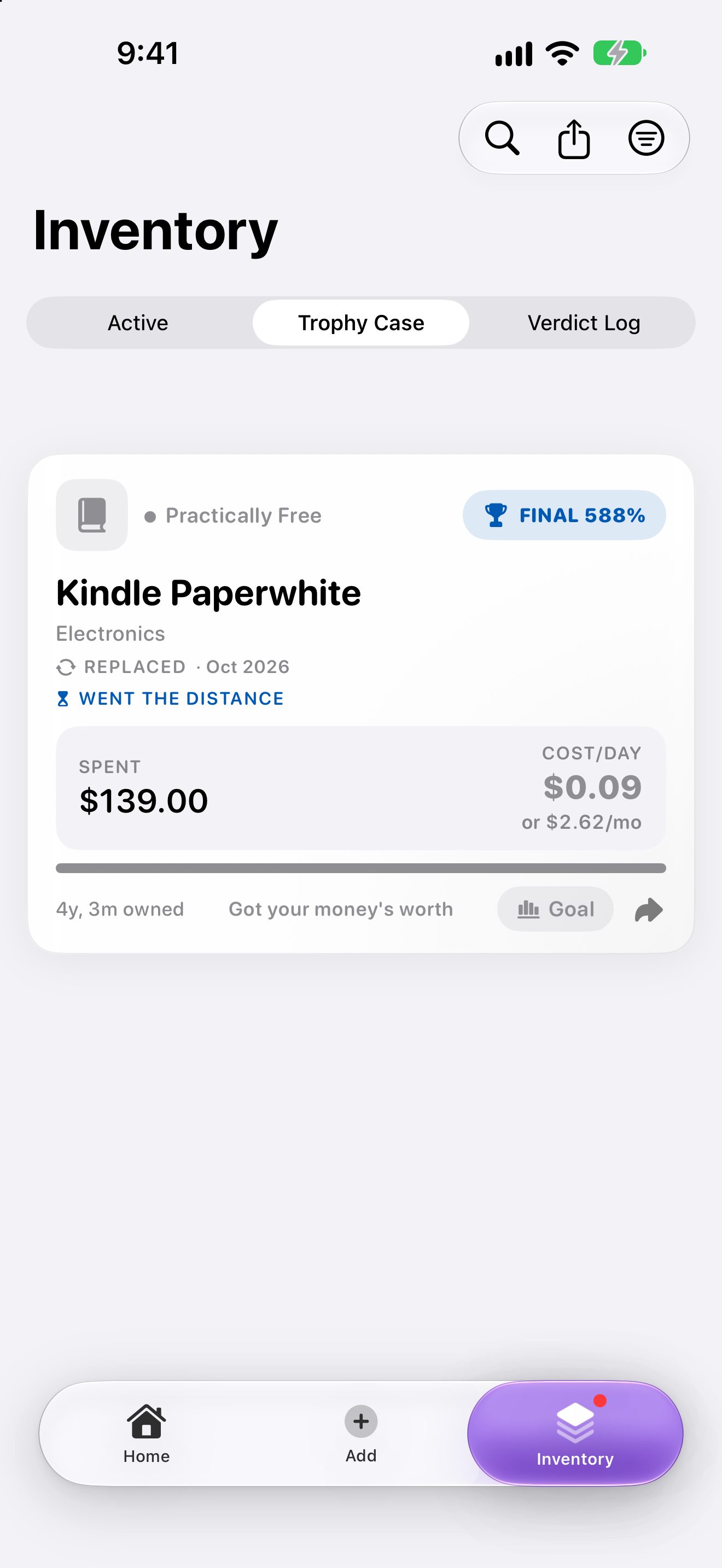
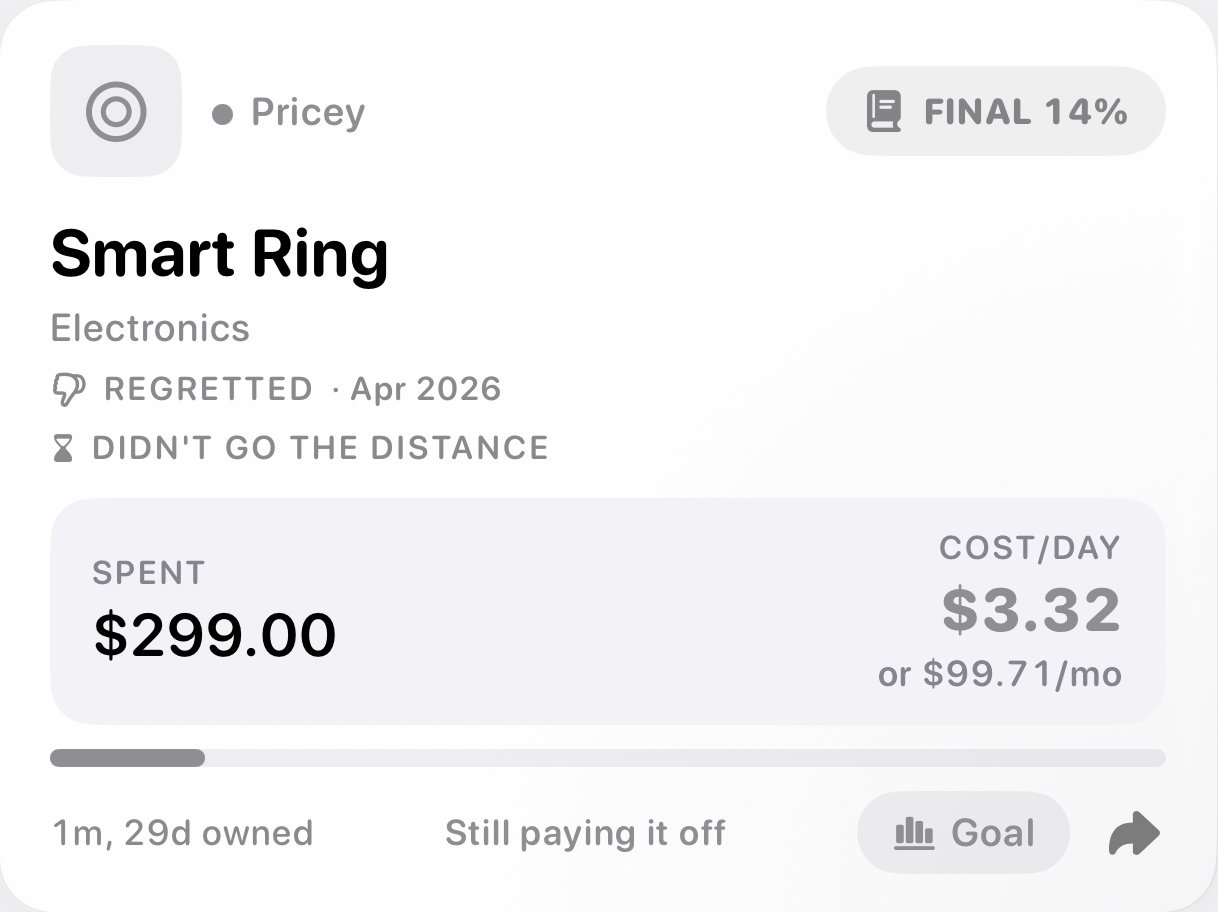
Trophies and Verdicts
Retire what you're done with. Items that paid off go to the Trophy Case; the ones that didn't go to the Verdict Log, so you remember next time.
Find Anything
Swipe for a closer look →
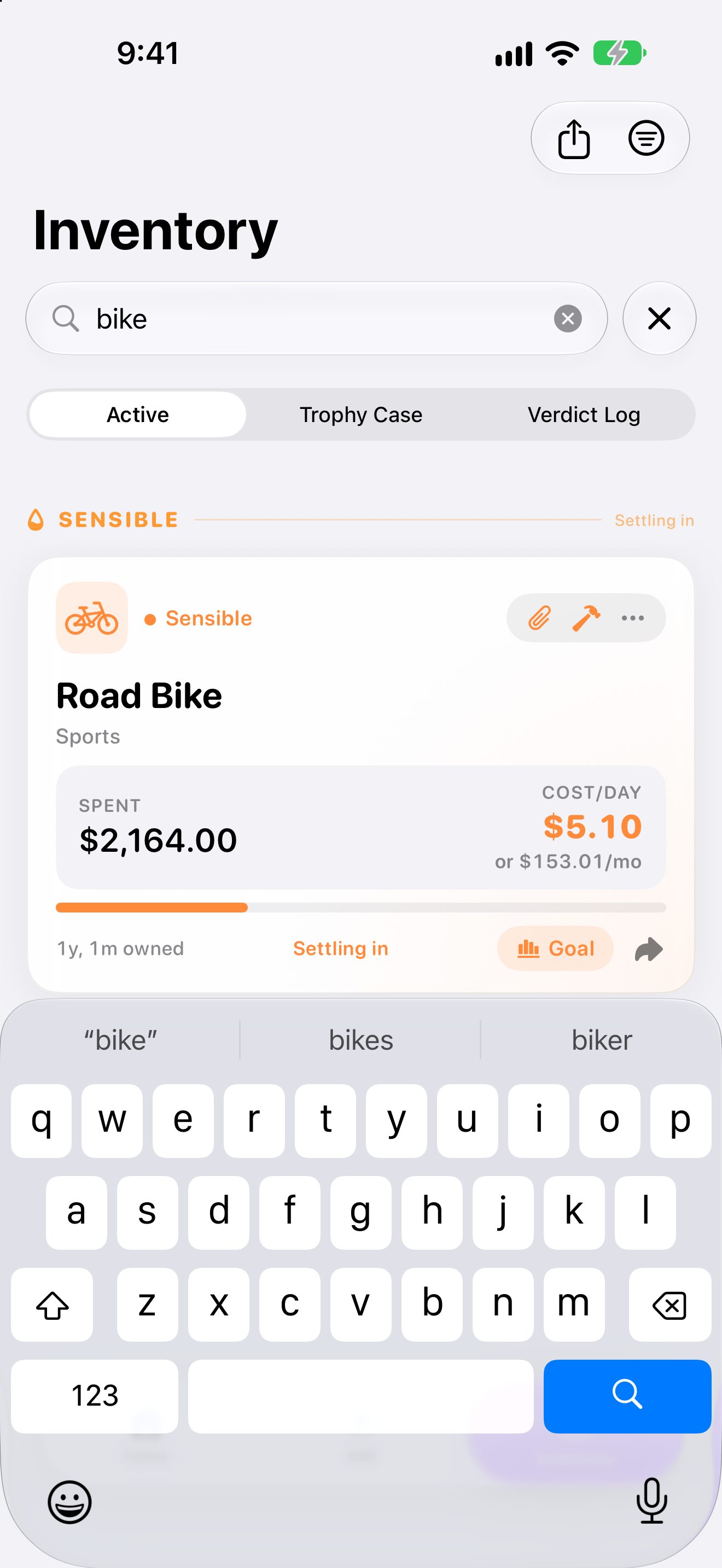
Find Anything
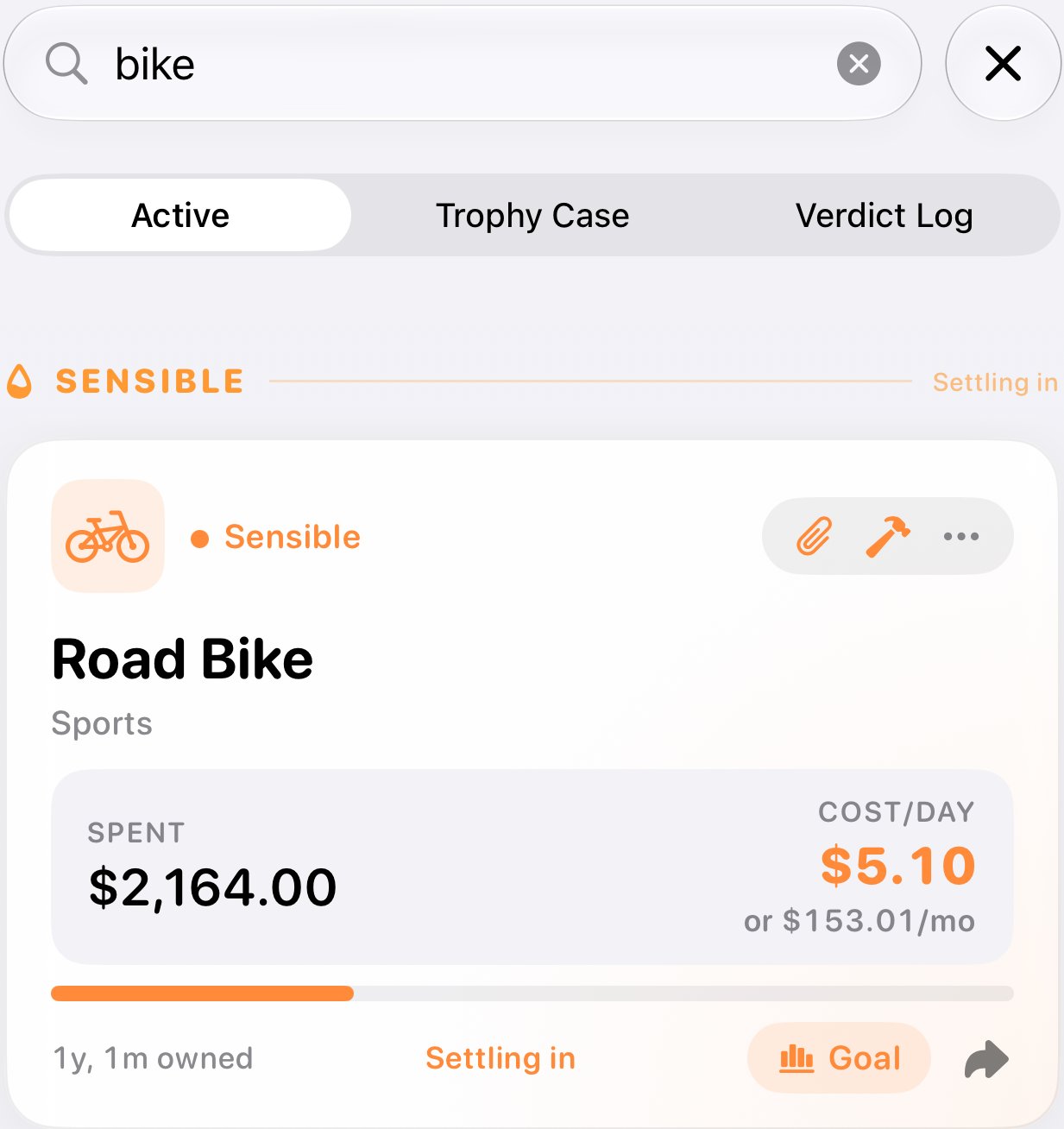
Pull down to search by name, category, or accessory. Close enough still counts: a typo still finds it.
Reflect & Recoup | the weekly ritual
Your Weekly Check-In
Swipe for a closer look →

Your Weekly Check-In
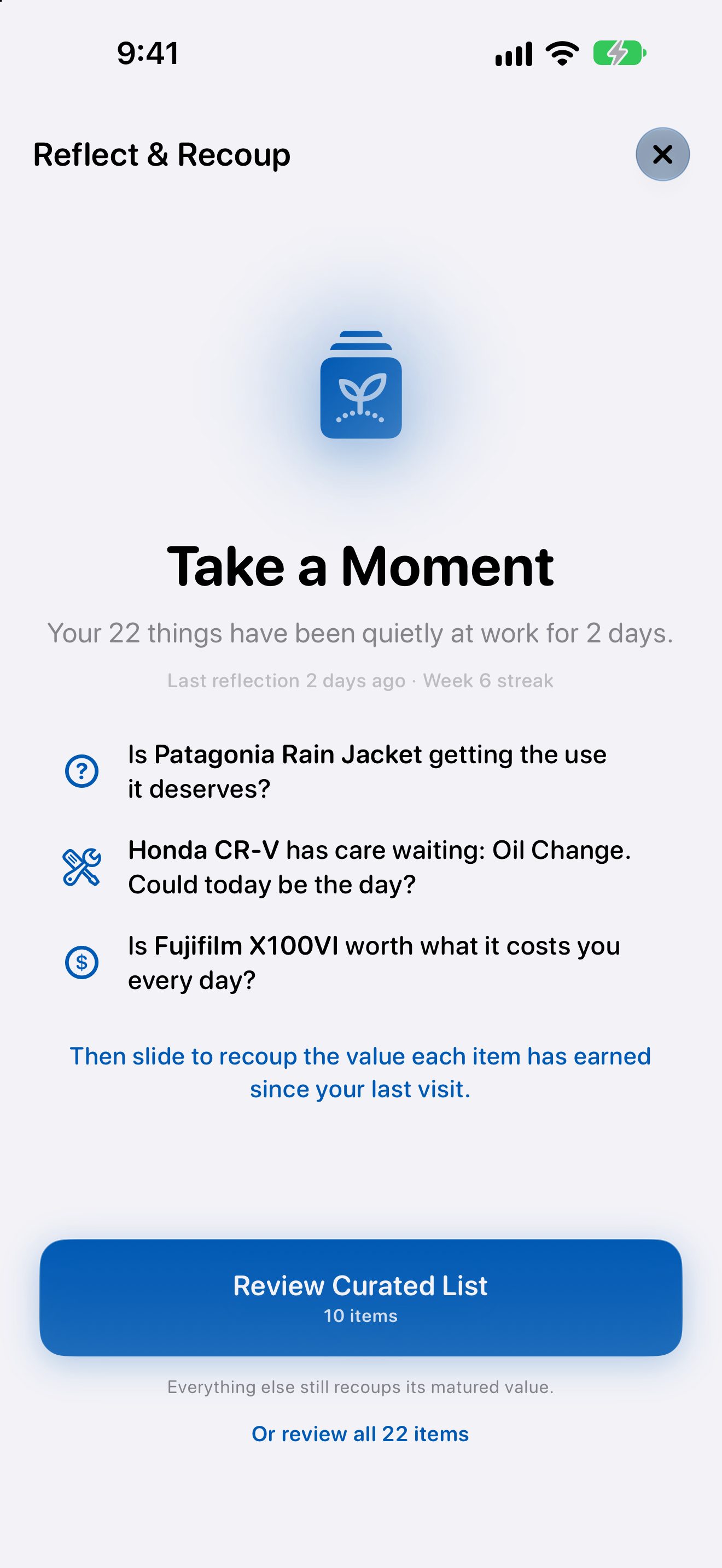
When it's ready, the Reflect & Recoup banner lights up. Start a session with a hand of up to ten of your things, picked so the ones that need you come first.
One Card at a Time
Swipe for a closer look →
One Card at a Time
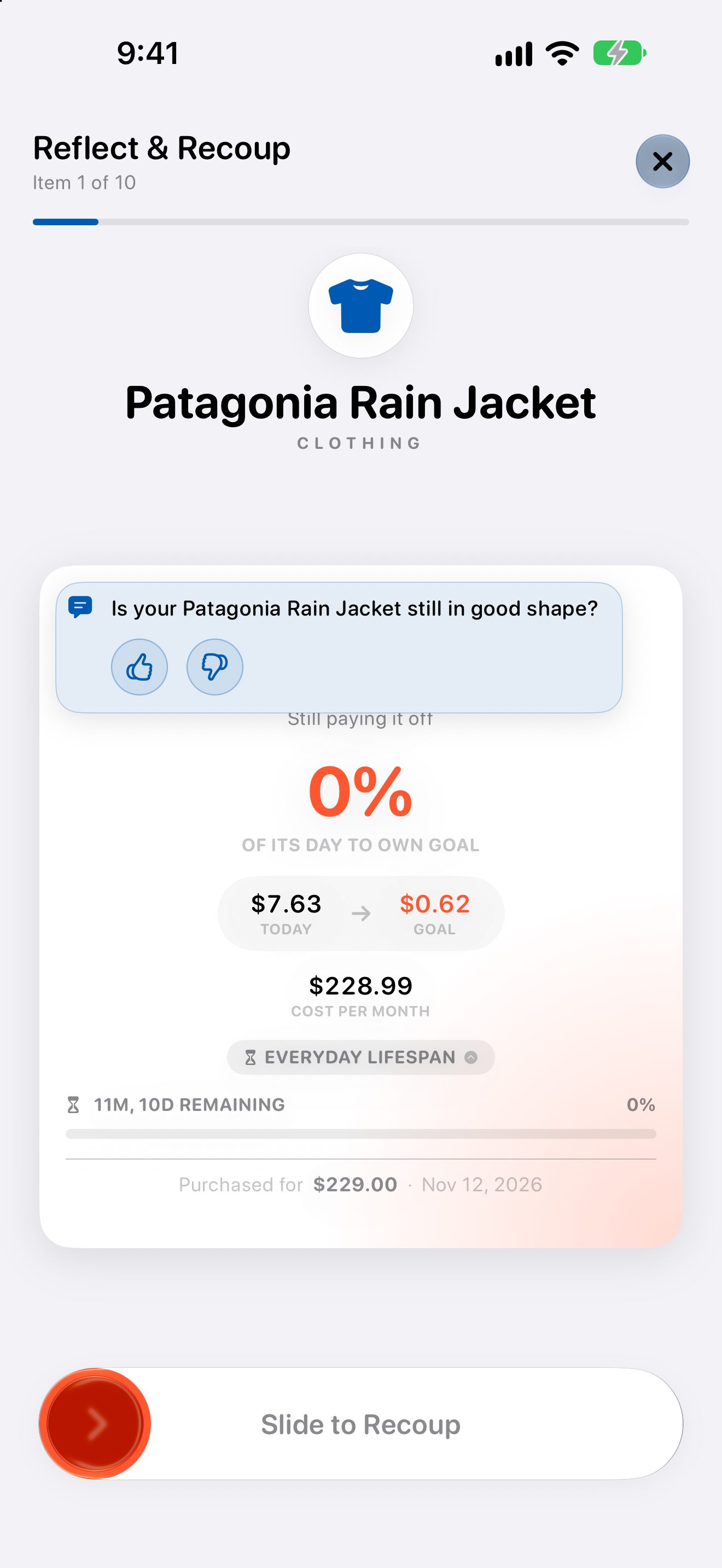
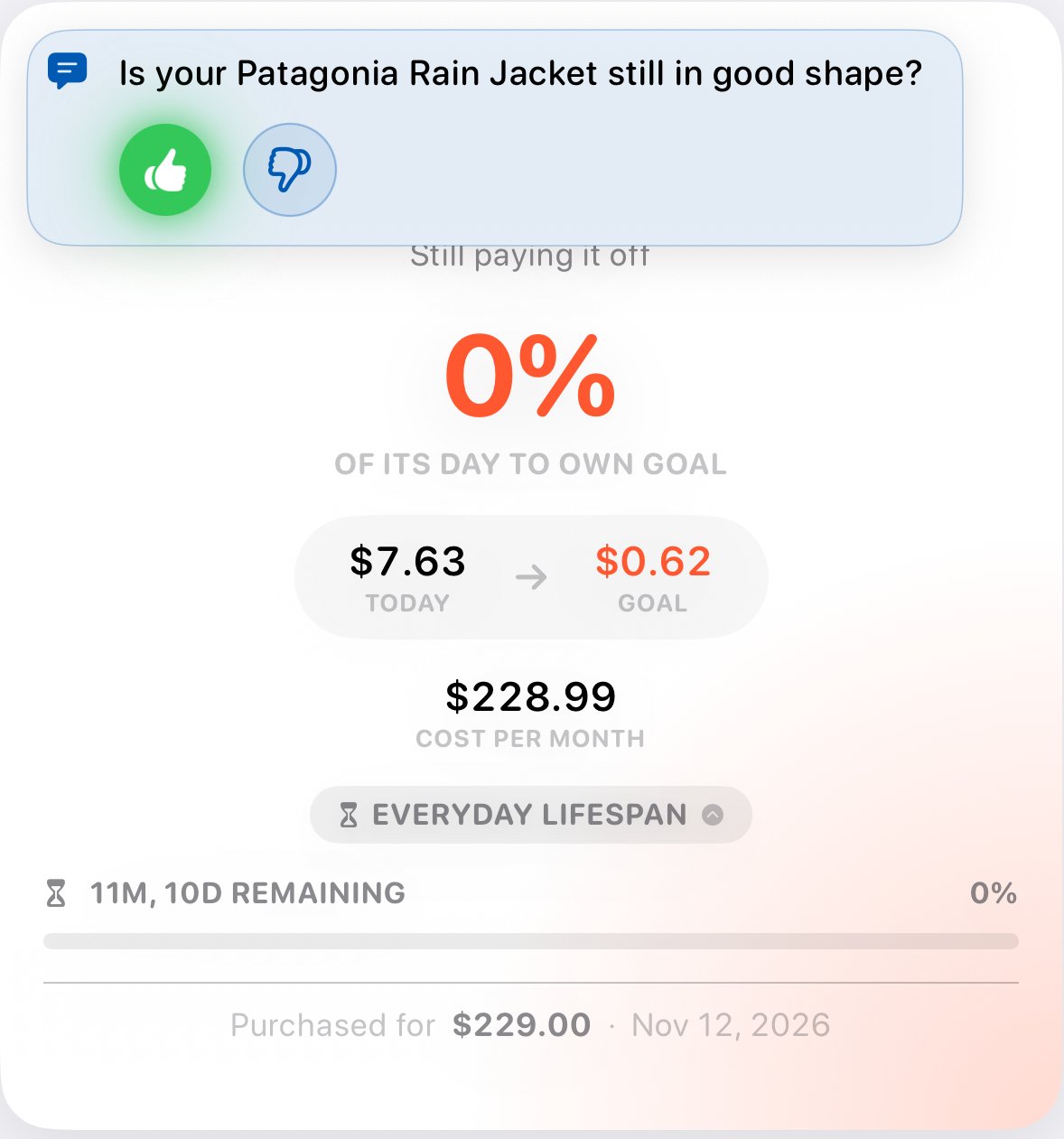
Each card shows where an item stands today, along with one quick yes-or-no question about it. Is it still in good shape? Are you glad you bought it?
Upkeep Comes Along
Swipe for a closer look →
Upkeep Comes Along
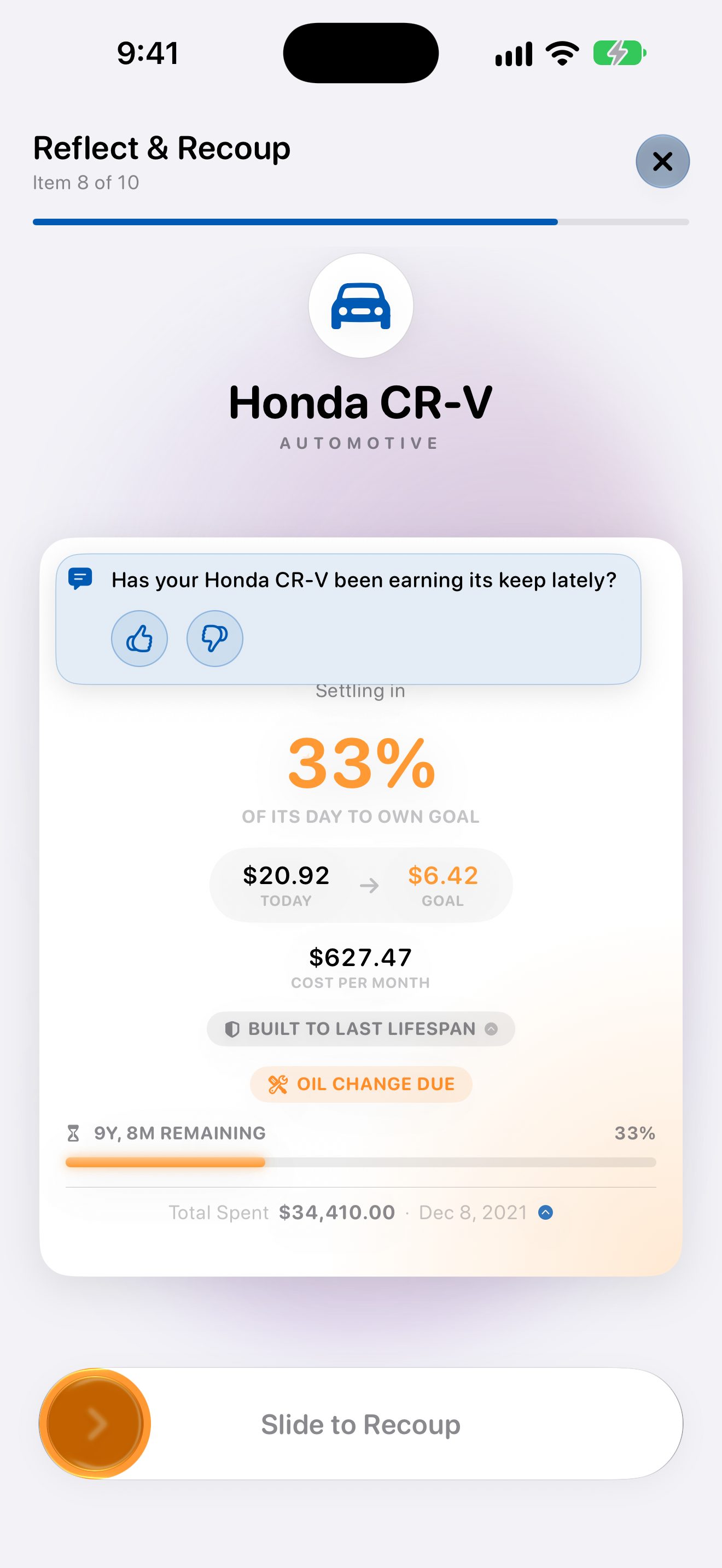
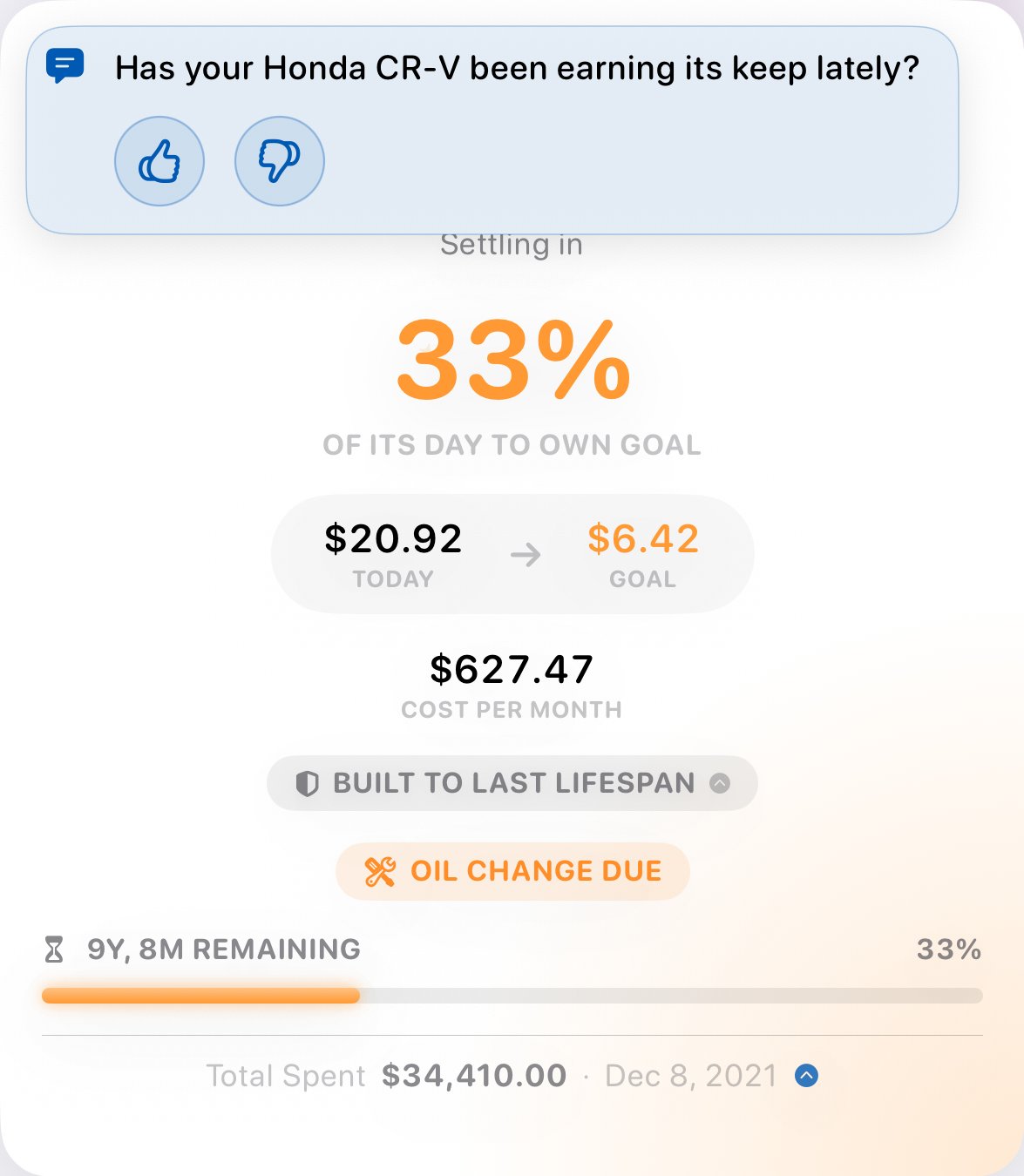
Cards flag care that's due, like the oil change on a car, so the check-in doubles as a reminder. Questions change with the item: has the car been earning its keep, have you finished the book yet?
Slide to Recoup
Swipe for a closer look →
Slide to Recoup
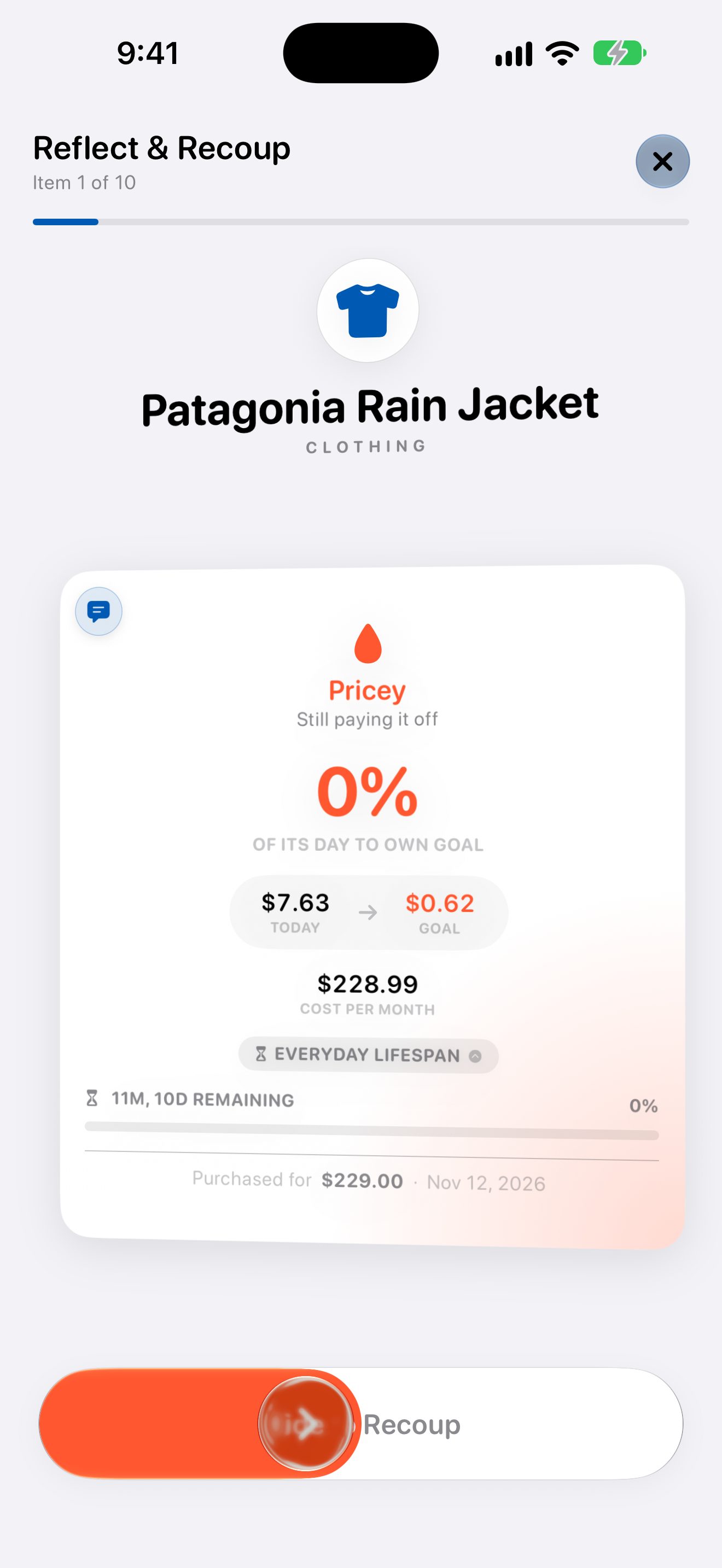
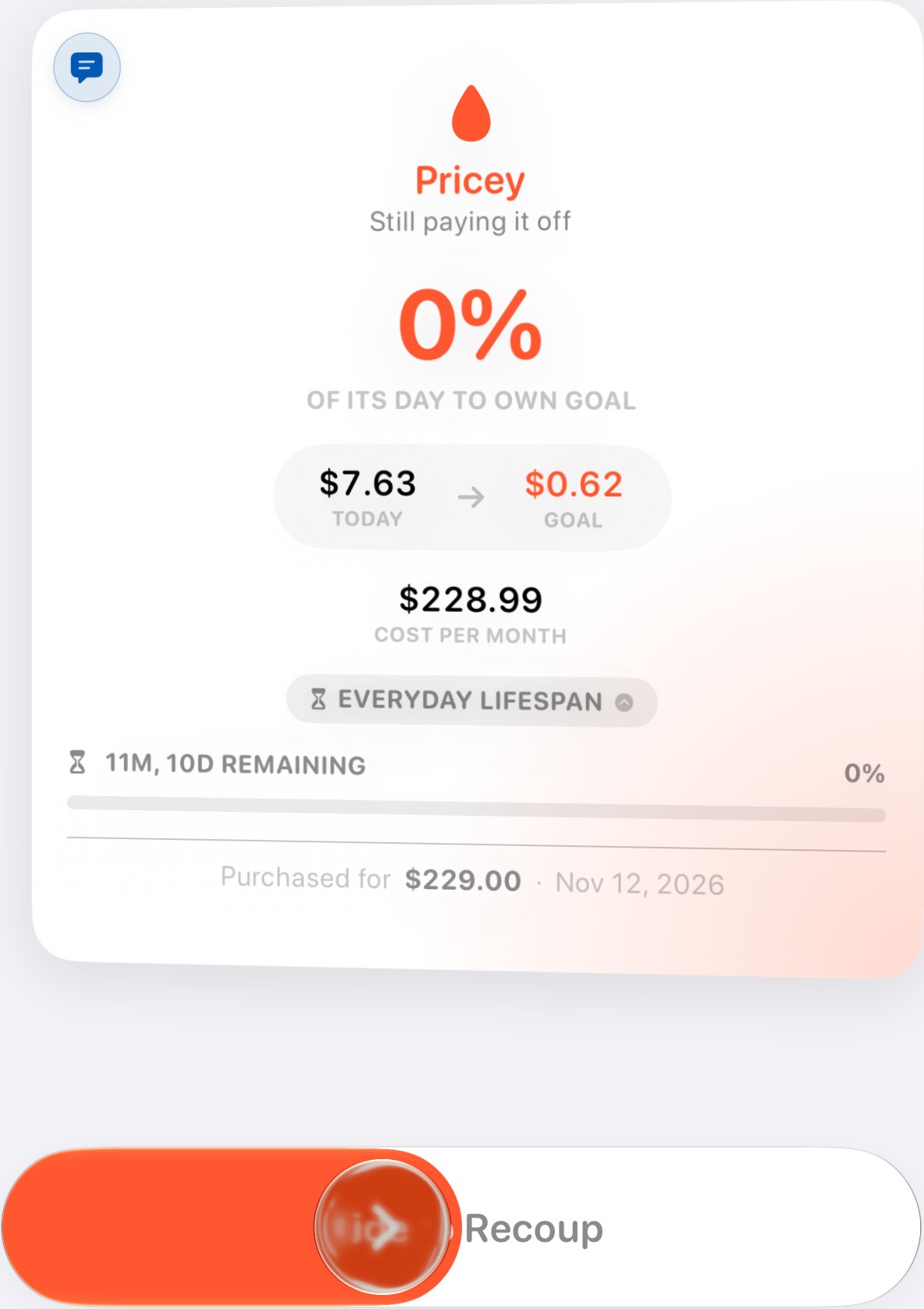
Slide to collect what each item has earned since you last checked in. The haptics grow with the item, so a car feels heavier than a cast-iron pan.
Level Up
Swipe for a closer look →
Level Up
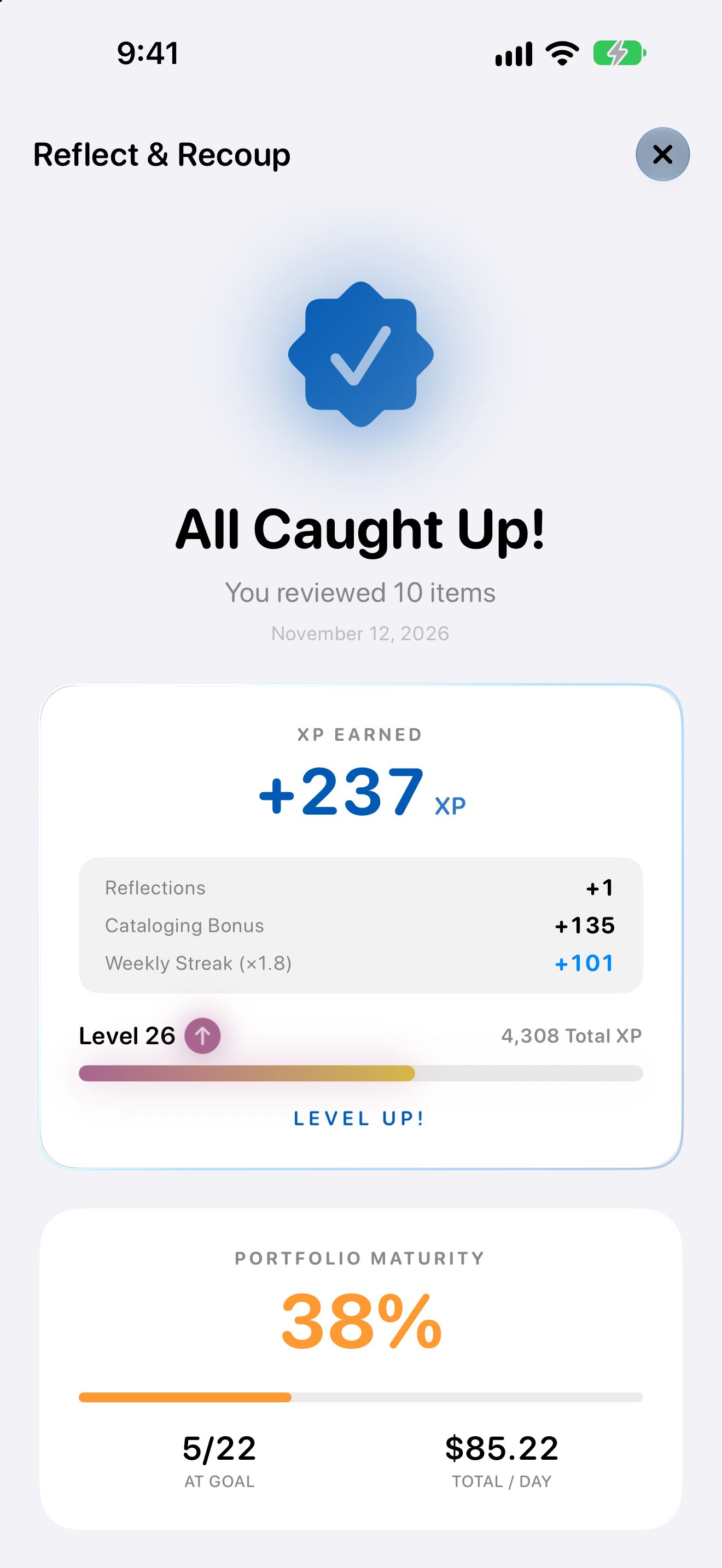
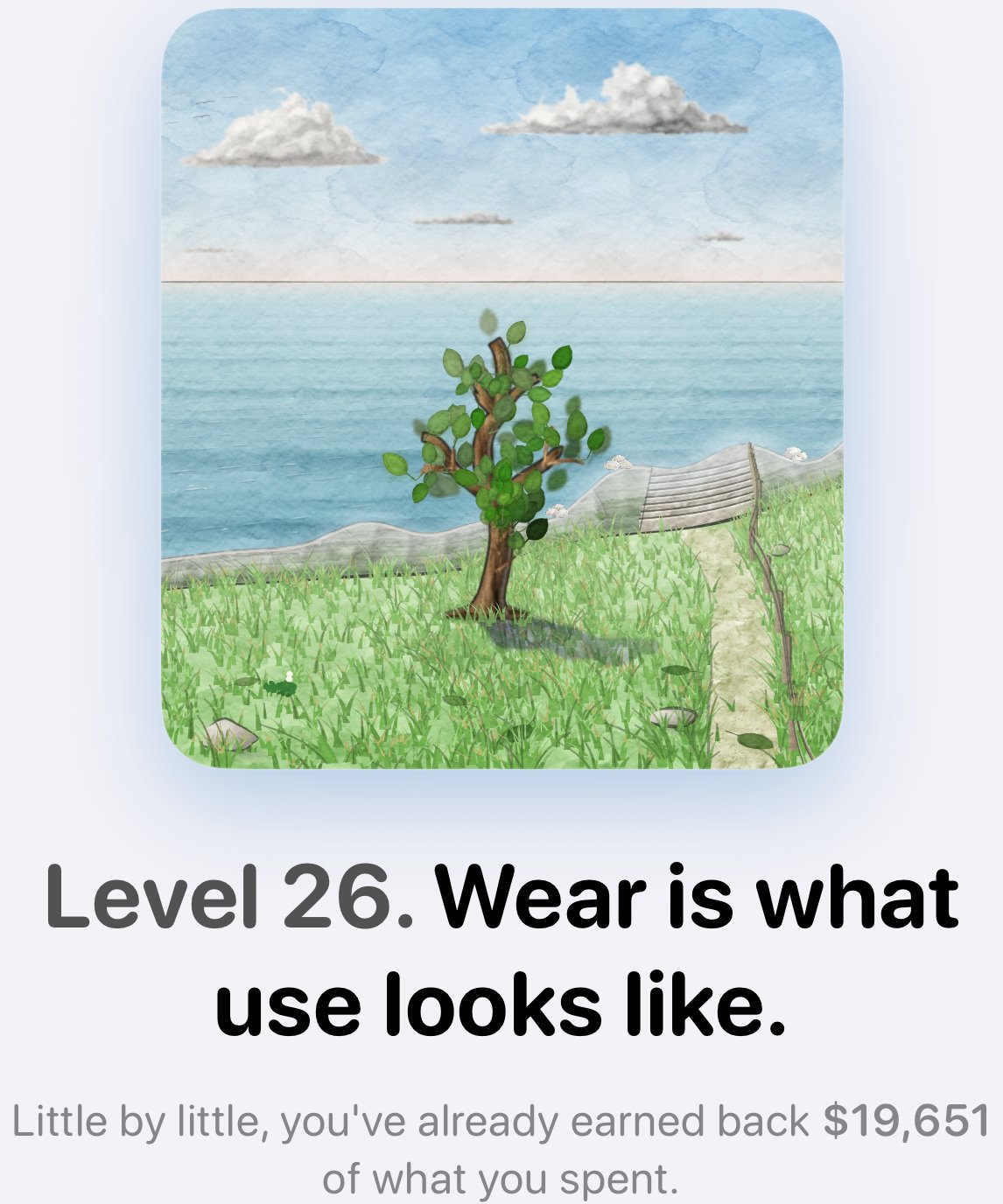
At the end, every source of XP adds up, one line at a time. Reach a crossroads and the tree has a question for you.
Back Home
Swipe for a closer look →
Back Home
Your tree grows, your streak ticks up, and the Home screen shows where you stand.
Across Your Devices
Home Screen Widgets
Keep your tree on your Home Screen, and check off care tasks right from the Care widget.
iCloud Sync
Your items, your Level, and your categories follow you to every device signed in to your iCloud.
Siri & Shortcuts
Say “Log an item in Steward” and dictate what you bought. It's waiting on the Add screen for you to save.
The Connected Loop
Add what you buy, keep it in your Inventory, check in each week with Reflect & Recoup, and watch your Home screen grow with you.